

$14.99$4.99first month
$10.00 off your first month only
1,499 credits, the full Starter allowance
Unlock My First MonthThen $14.99/month, billed automatically from your second month until you cancel.
Step-by-step tutorials, viral formats and honest model comparisons, all linked to the tool that does the job.
VidBoss AI explained: what the AI video studio does, which models it includes, how credits and pricing work and who it is for.
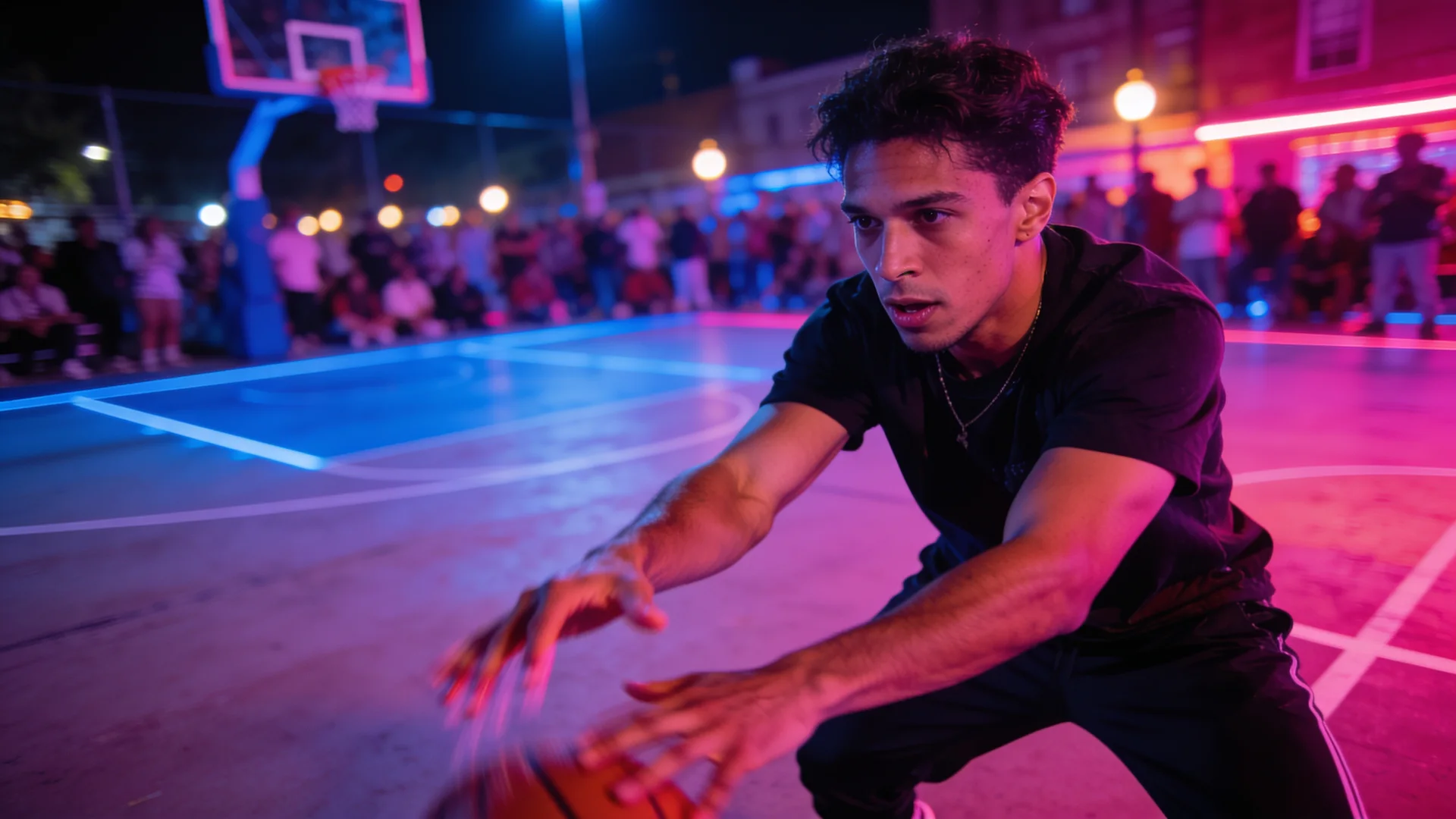
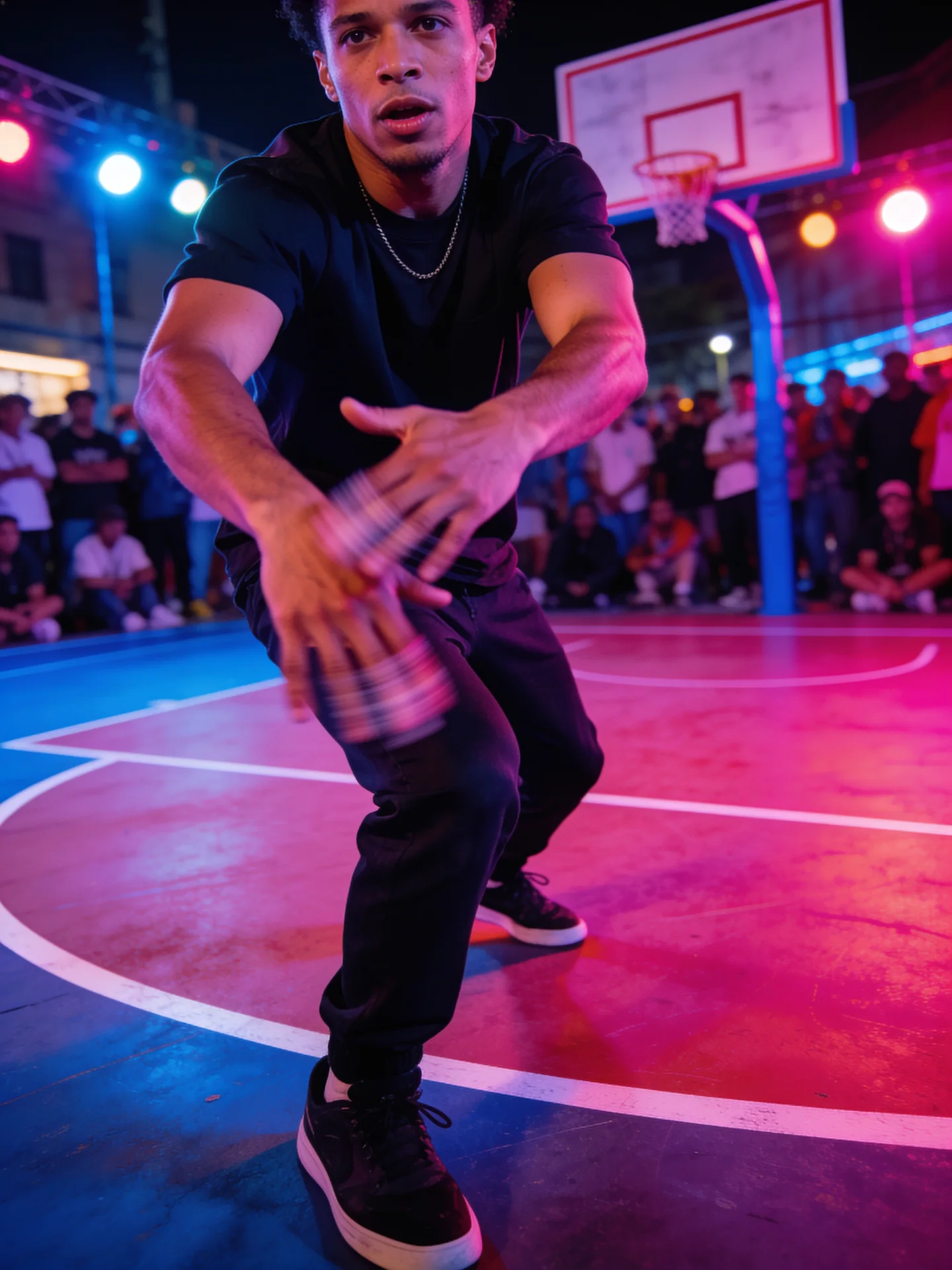
4 min read Viral videosStep-by-step: copy a trending dance onto your own character or photo with AI motion control, plus tips for clips that actually go viral.
5 min read Image to videoAI photo animation looking strange? Fix drifting faces, bending hands and warping backgrounds, then turn any photo into a natural-looking video, step by step.
4 min read Model comparisonA practical comparison of Kling 3.0, Google Veo 3.1 and OpenAI Sora 2 on VidBoss AI: lengths, resolutions, sound and what each is best at.
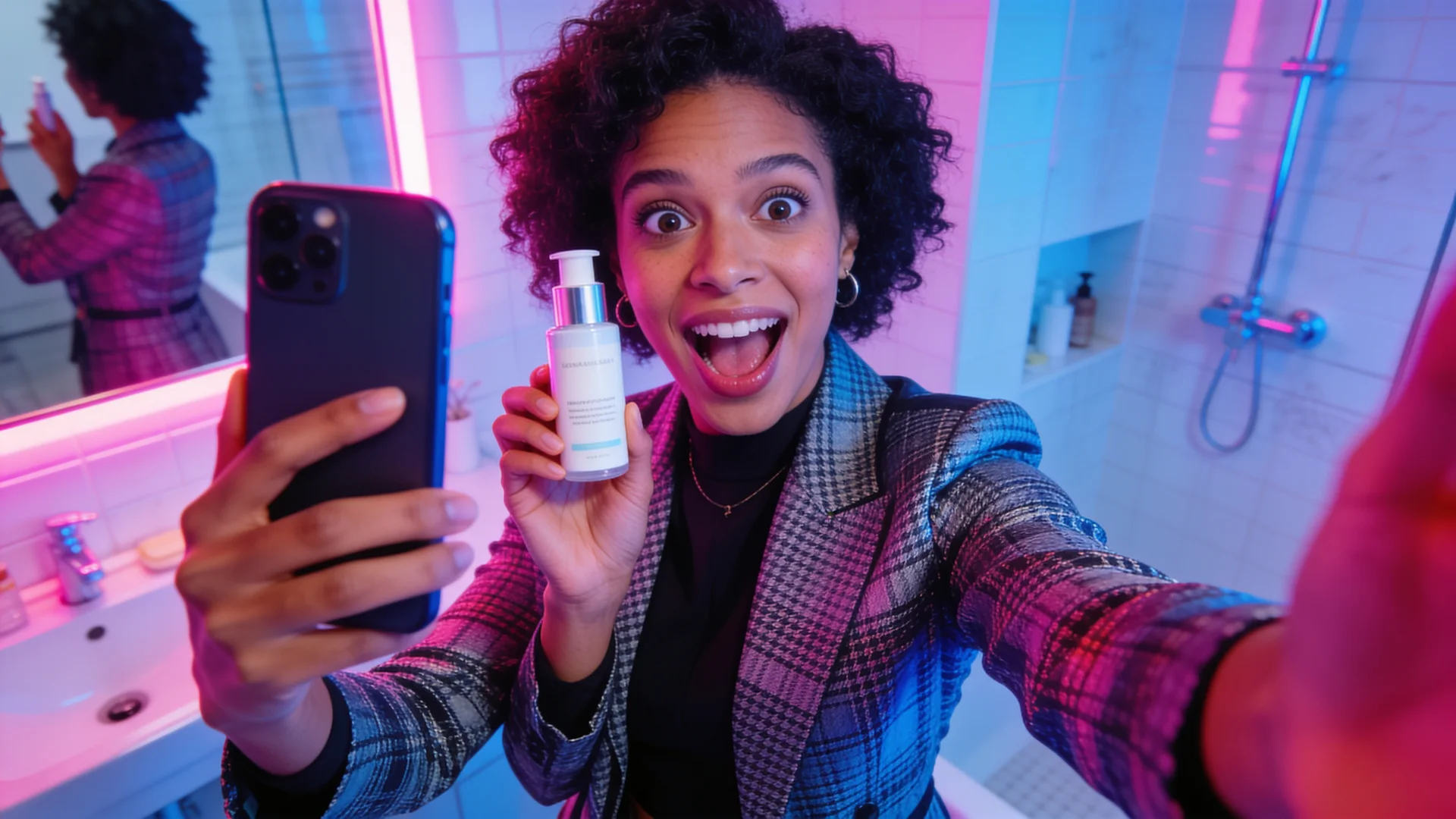
5 min read MarketingCreate UGC-style video ads with AI: scripts that convert, keeping your exact wording, consistent presenters and testing variations.
5 min read ModelsCompare every AI video model on VidBoss AI by length, resolution, sound and inputs, and learn which one fits your shot.
6 min read Motion controlHow to use Kling Motion Control: pick the right version, prepare your photo and reference clip, and get clean motion transfer for dances and trends.
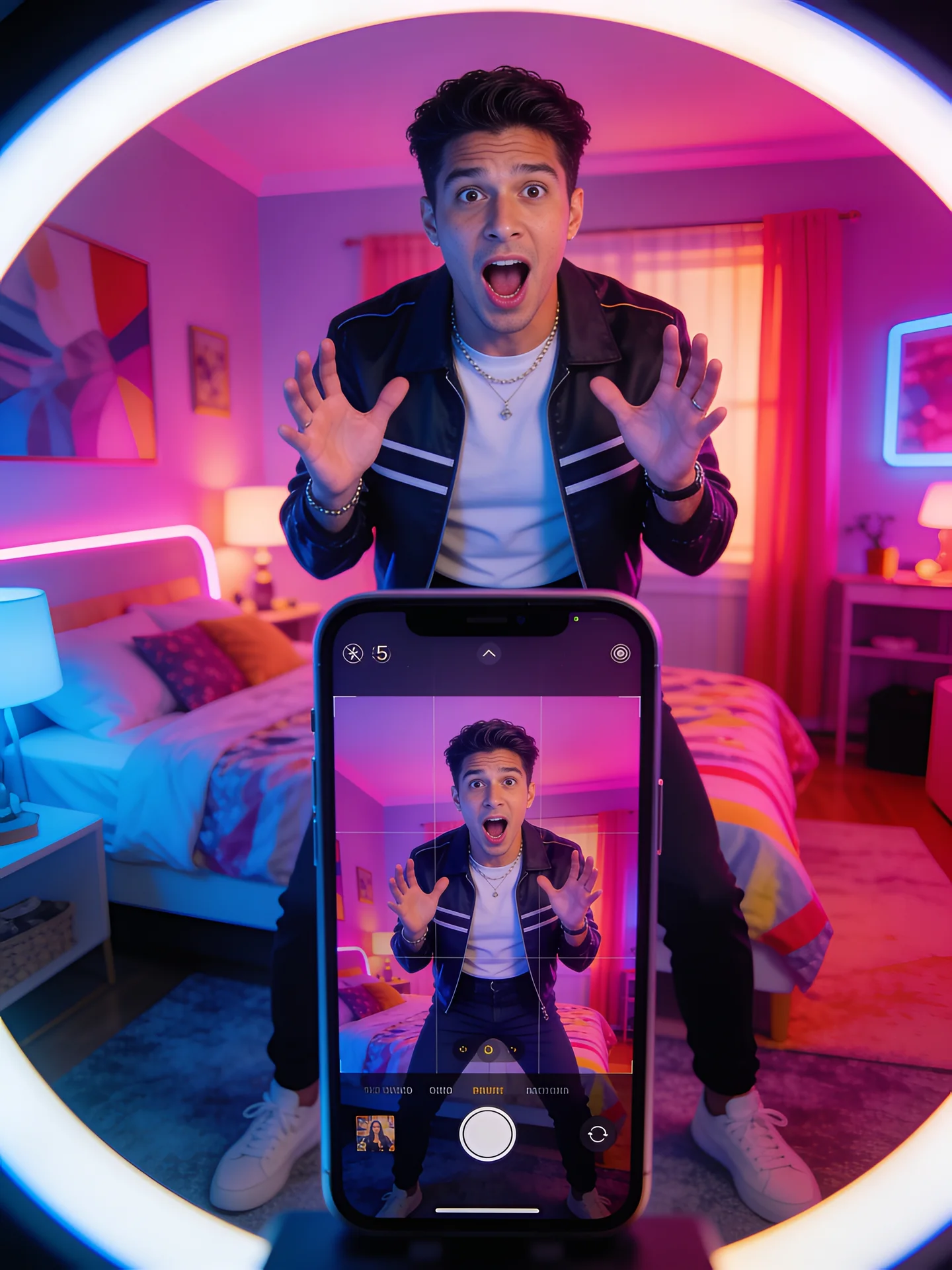
6 min read TikTokHow to make AI TikTok videos: pick a format, write a hook, generate vertical clips with AI, copy trends with your character and post them.
6 min read Character swapAI character replacement explained: swap the person in a real clip for your own character, choose between PixVerse Swap and MiniMax Recast, and avoid mistakes.
5 min read Product adsMake AI product videos and ads from one product photo: shot ideas, prompts, formats for TikTok and Reels, and what to check before you run the ad.
6 min read PromptingHow to write image-to-video prompts that look real: describe motion, camera and sound, avoid common mistakes, and copy example prompts for any photo.
7 min read CharactersKeep the same AI character across every video: design or save a character, use character-reference models, and write prompts that protect the face and outfit.
6 min read Pet videosMake your dog or cat dance or copy a trend with AI: which tool to use, how to shoot the pet photo, which clips work, and the steps in the VidBoss studio.
6 min readYour first month of the VidBoss AI video generator at a discount, with the plan's full monthly credits and every model: Kling, Veo, Sora, Seedance and more. Renews at the regular price; cancel any time.
$14.99$4.99first month
$10.00 off your first month only
1,499 credits, the full Starter allowance
Unlock My First MonthThen $14.99/month, billed automatically from your second month until you cancel.
$24.99$8.99first month
$16.00 off your first month only
2,624 credits, the full Pro allowance
Unlock My First MonthThen $24.99/month, billed automatically from your second month until you cancel.
$56.99$17.99first month
$39.00 off your first month only
6,554 credits, the full Business allowance
Unlock My First MonthThen $56.99/month, billed automatically from your second month until you cancel.
Prefer the regular price with no first-month offer? See all plans and credit packs