How to make AI product video ads
Make AI product videos and ads from one product photo: shot ideas, prompts, formats for TikTok and Reels, and what to check before you run the ad.
Start from one good product photo
The Product Video tool animates your photo with an image-to-video model, using the photo as the first frame, so the product looks like your product. A clean photo on a plain background, sharp and evenly lit, gives the model the most to work with.
Product Video starts with Google Veo 3.1 Fast and also recommends Kling 3.0 Pro · Image to Video, LTX 2.5 Pro and Google Veo 3.1. You can switch in the Model setting; the price updates before you generate.
Shot ideas that work for products
- Slow turntable spin with soft studio light: shows the whole product.
- Hero reveal: the camera pushes in as light sweeps across the label.
- In-use moment: a hand picks it up, pours it or applies it.
- Splash, smoke or particles around the product for drinks and cosmetics.
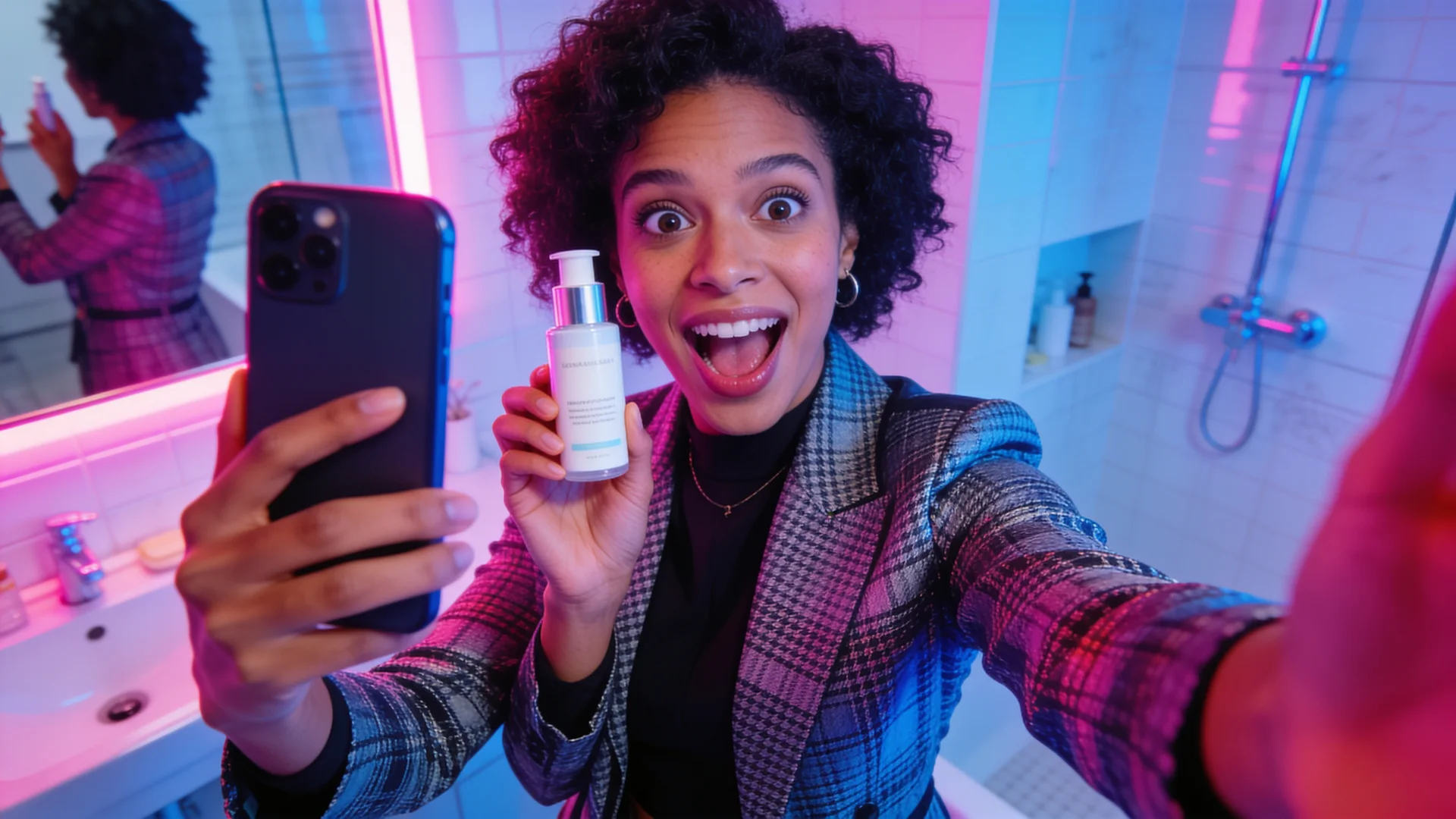
- UGC style: a creator holding it to camera, for TikTok and Reels ads.
Example prompts
Describe the camera, the light and one simple action. Keep on-screen text out of the prompt and add it later in your editor; AI-rendered text can come out wrong.
The product rotates slowly on a glossy black turntable, soft rim light, gentle reflections, camera slowly pushes in, premium commercial lookCold water splashes around the bottle in slow motion, droplets catch the light, dark background, high-speed commercial shotStep by step
- Open the Studio and choose Product Video (or UGC Ad for a creator-style ad).
- Upload your product photo and write the shot.
- Pick 9:16 for TikTok and Reels, or 16:9 for YouTube and websites.
- Check the price on the Generate button, then generate a few variations. A failed generation is refunded automatically.
- Add your logo, price and call to action in your editor, then export.
Before you run the ad
- Make sure the product shown matches what customers receive.
- Follow each ad platform's rules for AI-generated content and claims.
- Test two or three hooks; the first second matters most.
Common questions
Will the AI keep my logo and label correct?
It keeps the look of your photo, but small text can change during motion. Check every frame, and add important text and logos in your editor.
Can I use these videos in paid ads?
Check the Terms of Service, each model provider's terms and the ad platform's rules. You are responsible for reviewing the output and only using products, logos and likenesses you have rights to.
How much does a product video cost?
It depends on the model, length and resolution. The studio shows the exact credit price before you generate, and see Pricing for plans.