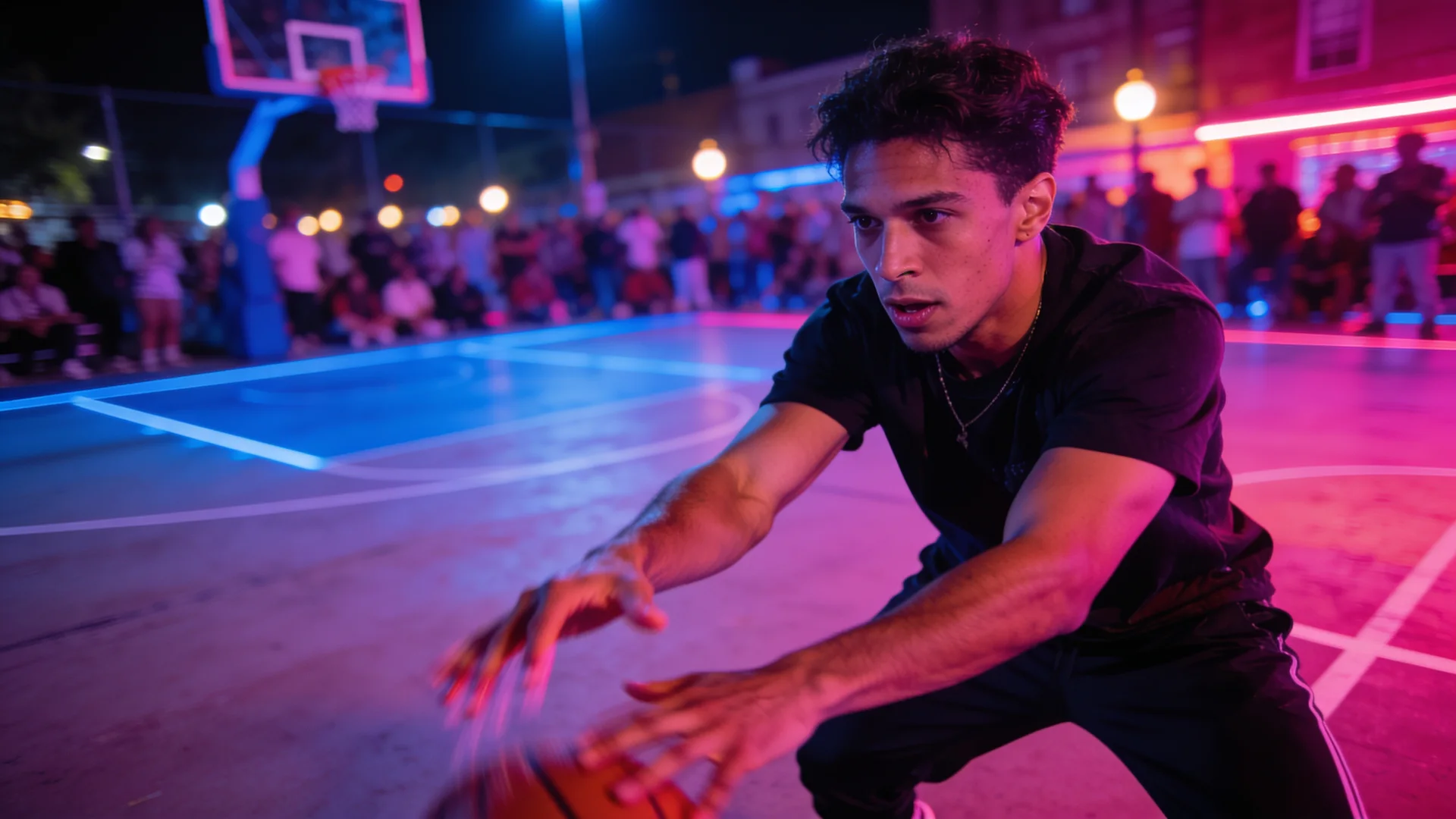
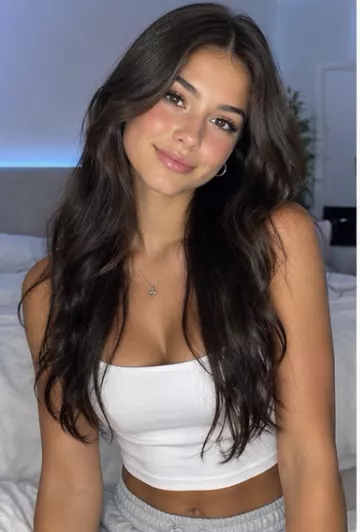
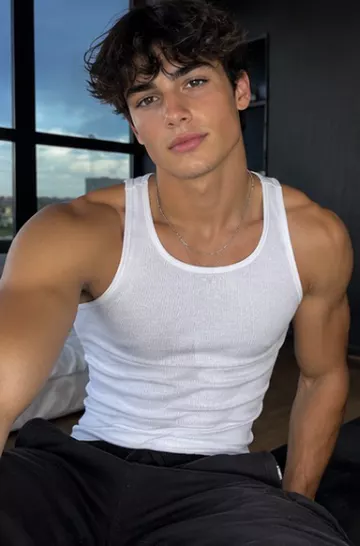
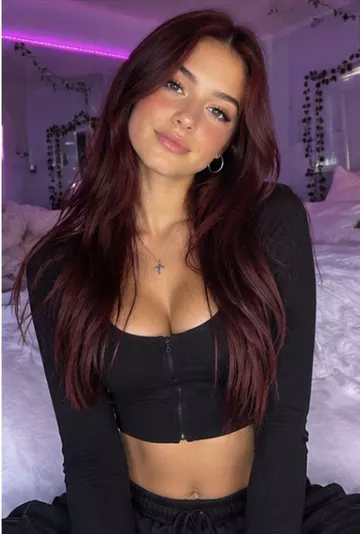
Image to video prompts for realistic motion
How to write image-to-video prompts that look real: describe motion, camera and sound, avoid common mistakes, and copy example prompts for any photo.
Describe the motion, not the picture
The model can already see your photo. Repeating what is in it ("a woman with brown hair in a red coat") wastes the prompt. Spend the words on what should change: who moves, how, and what the camera does.
A simple prompt formula
Subject action + secondary motion + camera + mood (+ sound if the model has audio). One main action per clip looks more realistic than several.
[subject] [one clear action], [small secondary motion like hair, fabric, water or light], [camera move], [mood or lighting]Example prompts
She slowly turns toward the camera and smiles, a light breeze moves her hair, shallow depth of field, camera holds still, warm golden-hour lightClouds drift across the mountains, the lake surface ripples gently, birds cross the frame, slow aerial push-in, calm morning lightThe bottle stays centred as soft light sweeps across the label, tiny condensation droplets slide down, camera slowly orbits, premium studio lookThe dog tilts its head, ears twitch, then it wags its tail, handheld phone camera feel, natural daylightMistakes that make clips look fake
- Asking for too much: several actions in one short clip usually blur together.
- Fast, complicated motion of hands and fingers.
- Asking the camera to reveal things far outside the photo.
- Low-resolution or heavily filtered photos.
- Expecting on-screen text to stay readable while the camera moves.
Choose the model for the job
Different models are stronger at different things. In the Image to Video tool, VidBoss AI starts with Kling O3 Pro · Character Reference, which is built to keep a person's identity. You can also pick Kling 3.0 Pro · Image to Video, Google Veo 3.1 Fast, Seedance 2.5 or VidBoss Auto, which chooses a compatible engine for your length and resolution. The exact price is shown on the Generate button before you generate.
Models with native audio can also add ambience, effects or a spoken line to your animated photo. If a generation fails, the credits are refunded automatically.
At a glance
Limits as set up on VidBoss AI today. The studio always shows the current options for each model.
| Model | Starts from | Length | Resolution | Sound | Best for |
|---|---|---|---|---|---|
| Google Veo 3.1 | Text · Photo | 4, 6, 8 s | 720p, 1080p, 4K | Optional | Hero shots, Premium ads |
| Kling 3.0 Pro · Image to Video Kuaishou | Photo (required) | 3–15 s | 1080p | Optional | Product shots, Character animation |
| Seedance 2.5 ByteDance | Text · Photo | 4–30 s | 720p, 1080p | Optional | Longer stories, Continuous action |
Common questions
How long should an image-to-video prompt be?
One or two sentences is usually enough: one main action, a little secondary motion, the camera move and the mood.
Why does my photo change too much?
Big actions and camera moves force the model to invent new content. Use calmer motion, or a model with stronger character reference for people.