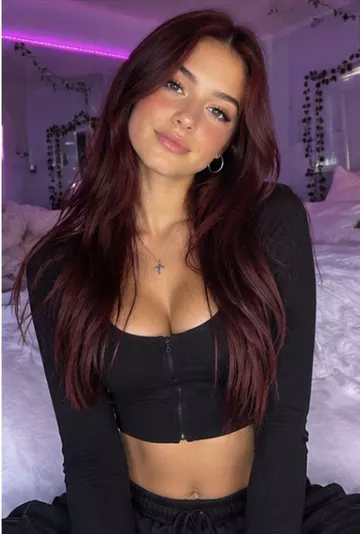
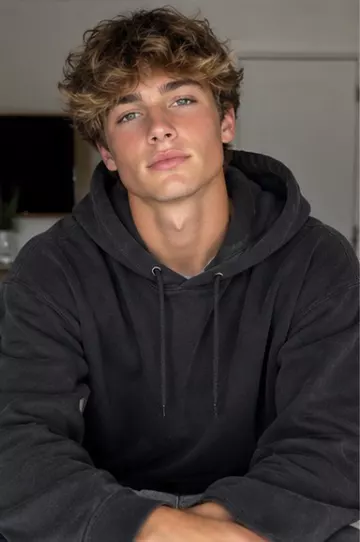
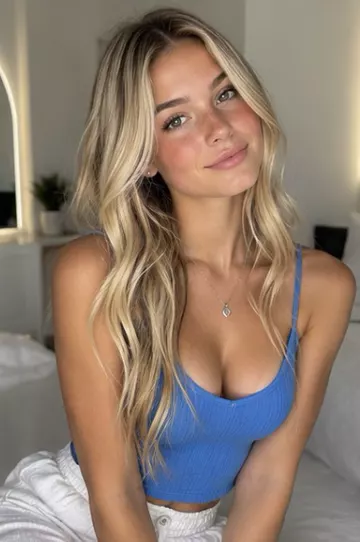
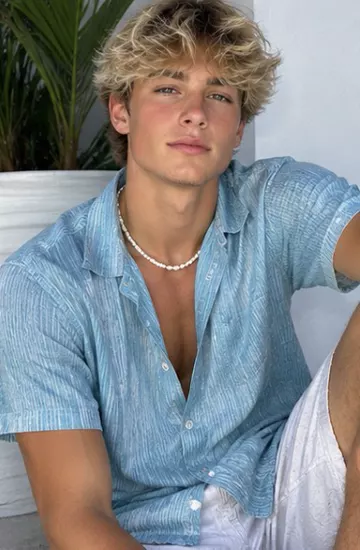
How to create consistent AI characters
Keep the same AI character across every video: design or save a character, use character-reference models, and write prompts that protect the face and outfit.
Why characters drift
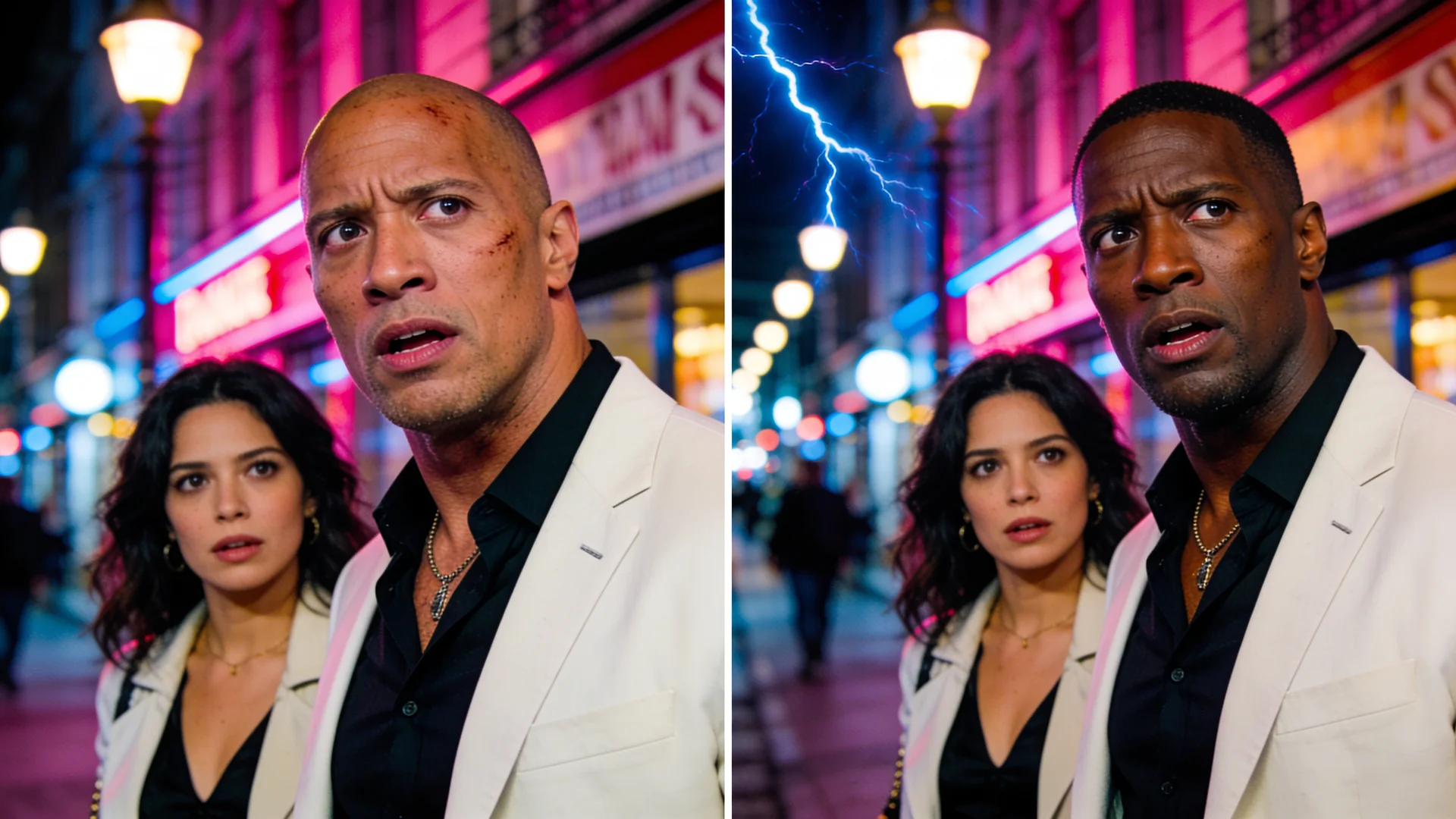
Every generation starts fresh. If the model only reads a text description, it invents a slightly different face, hair and outfit each time. Consistency comes from giving it the same reference image on every shot.
Make one strong reference
- Open Characters and use Design from traits, or save one from a photo you have the rights to use.
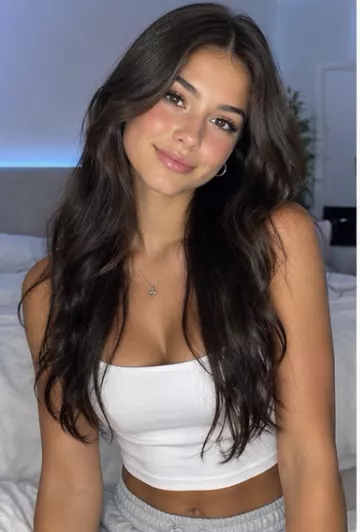
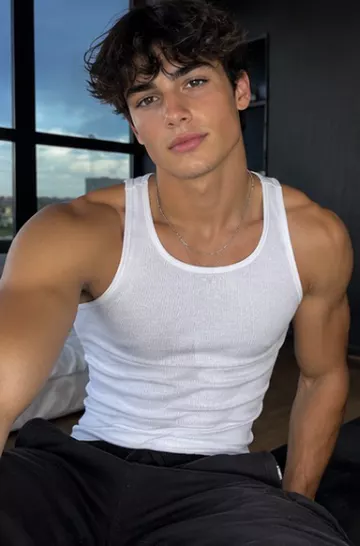
- Use a clear, front-facing image with even light and a simple background.
- Keep the outfit distinctive and simple; busy patterns change more between shots.
Use a character-reference model
Models with a character reference use your saved image as the identity anchor on every clip. On VidBoss AI, Kling O3 Pro · Character Reference is built for this, for clips of 3 to 15 seconds at 1080p, and it is the default model in the Character Animation and Image to Video tools. Likeness is improved, not guaranteed, so check each result.
The same saved character works in Motion Control, Replace Character and Replicate Viral Videos too, so one character can carry a story, a dance trend and an ad.
Write prompts that protect the look
Describe the scene and the action, and repeat only the details that must not change.
Same character, same green jacket and silver earrings, walks through a night market holding a paper lantern, looks over her shoulder and laughs, handheld camera, warm stall lightsA simple series workflow
- Save the character once in Characters.
- Plan the series as short scenes of 5 to 10 seconds each.
- Open the Studio, choose Character Animation, and pick the saved character for every scene.
- Keep the same model for the whole series, and check the price on the Generate button before each run.
- Keep the clips that match best and cut them together in your editor.
At a glance
Limits as set up on VidBoss AI today. The studio always shows the current options for each model.
| Model | Starts from | Length | Resolution | Sound | Best for |
|---|---|---|---|---|---|
| Kling O3 Pro · Character Reference Kuaishou | Photo (required) | 3–15 s | 1080p | Optional | Saved characters, UGC creators |
| Kling 3.0 Pro · Image to Video Kuaishou | Photo (required) | 3–15 s | 1080p | Optional | Product shots, Character animation |
Common questions
Can I use my own face as a character?
Yes. Save a character from your own photo and reuse it in any tool that takes a character.
Is the likeness guaranteed?
No AI model guarantees it. Character-reference models get much closer, and a clear reference photo helps the most.