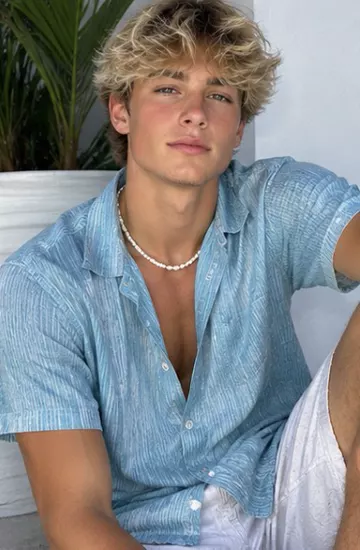
How to make a viral AI dance video
Step-by-step: copy a trending dance onto your own character or photo with AI motion control, plus tips for clips that actually go viral.
How motion control works
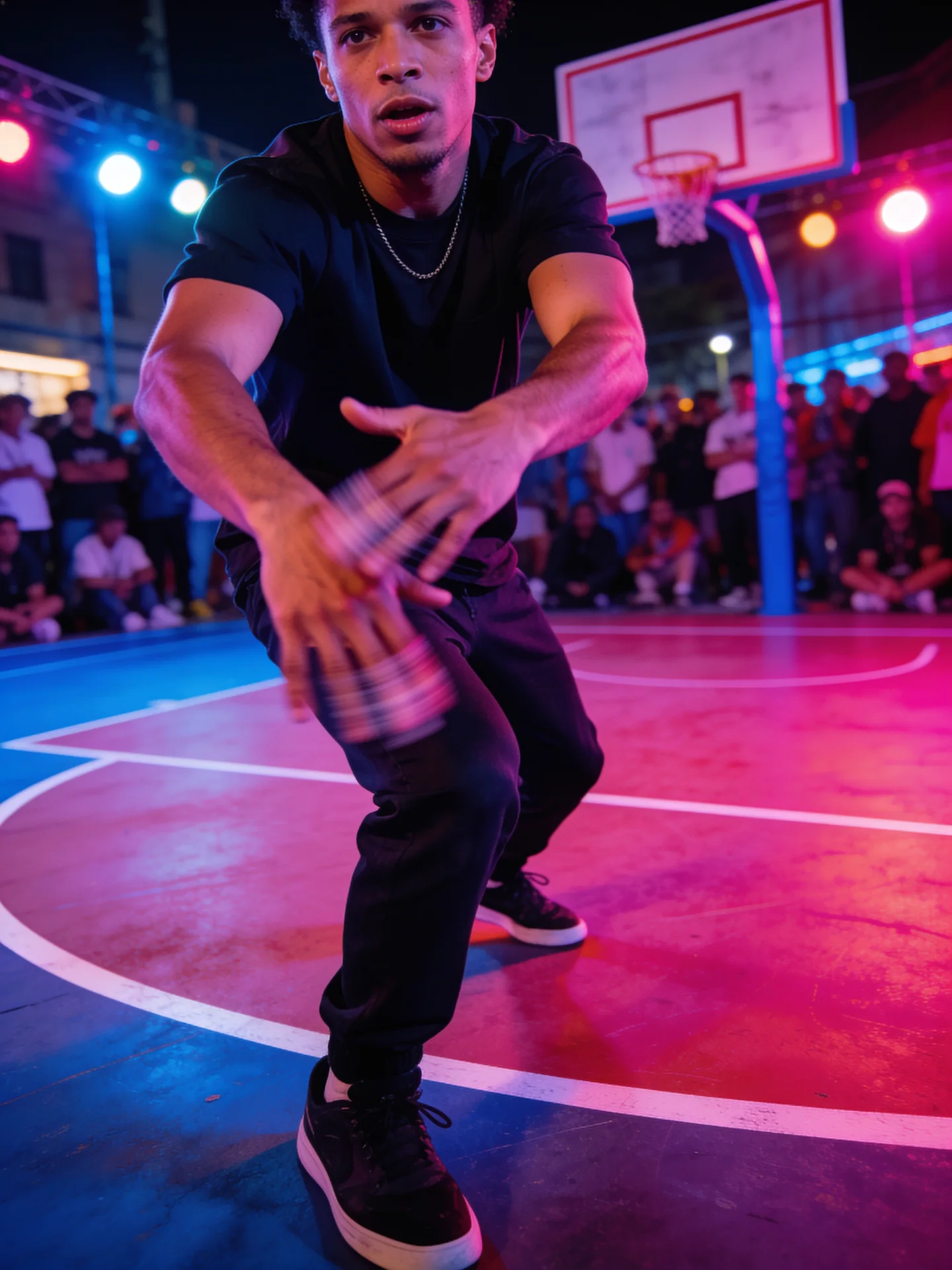
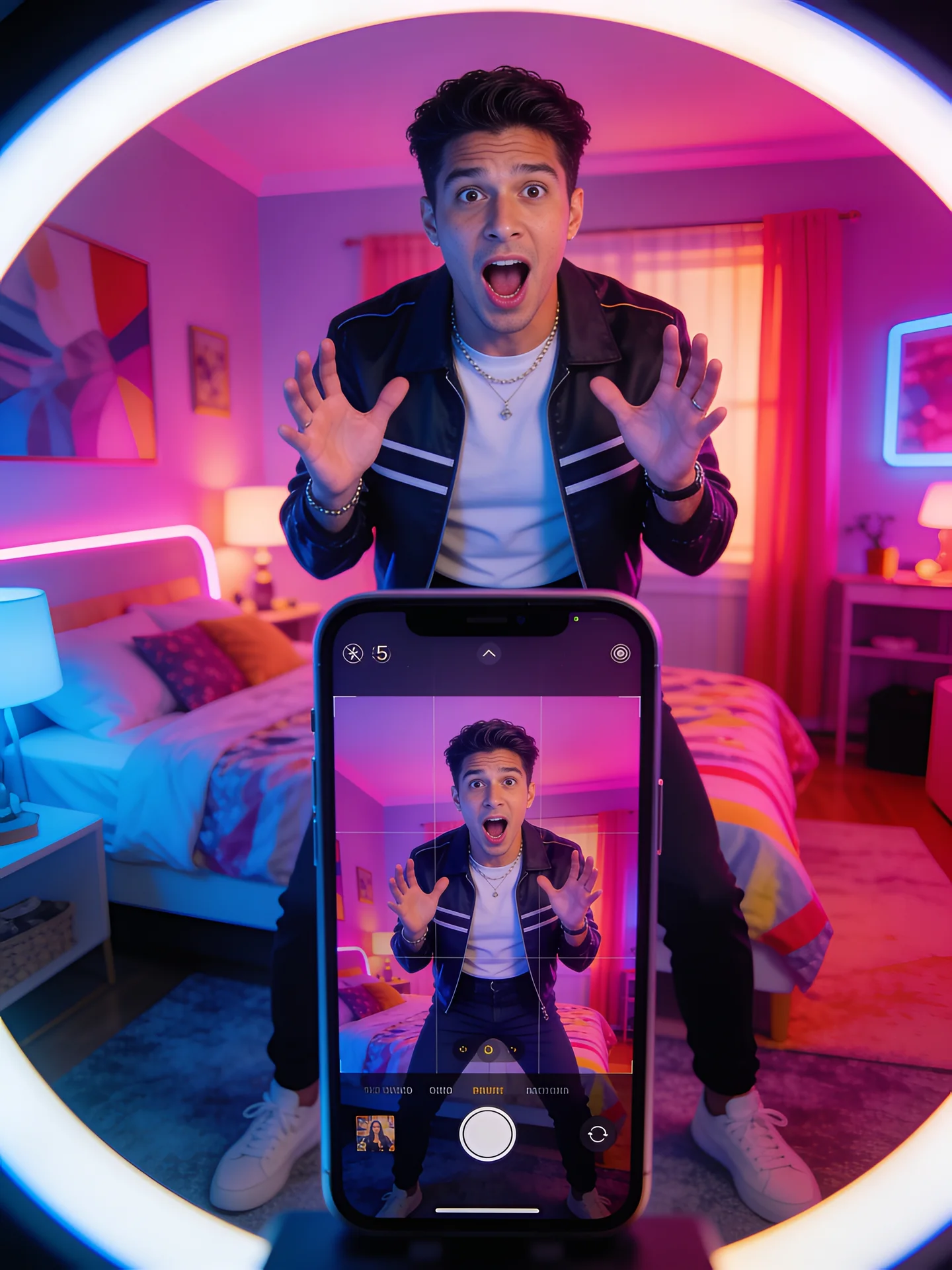
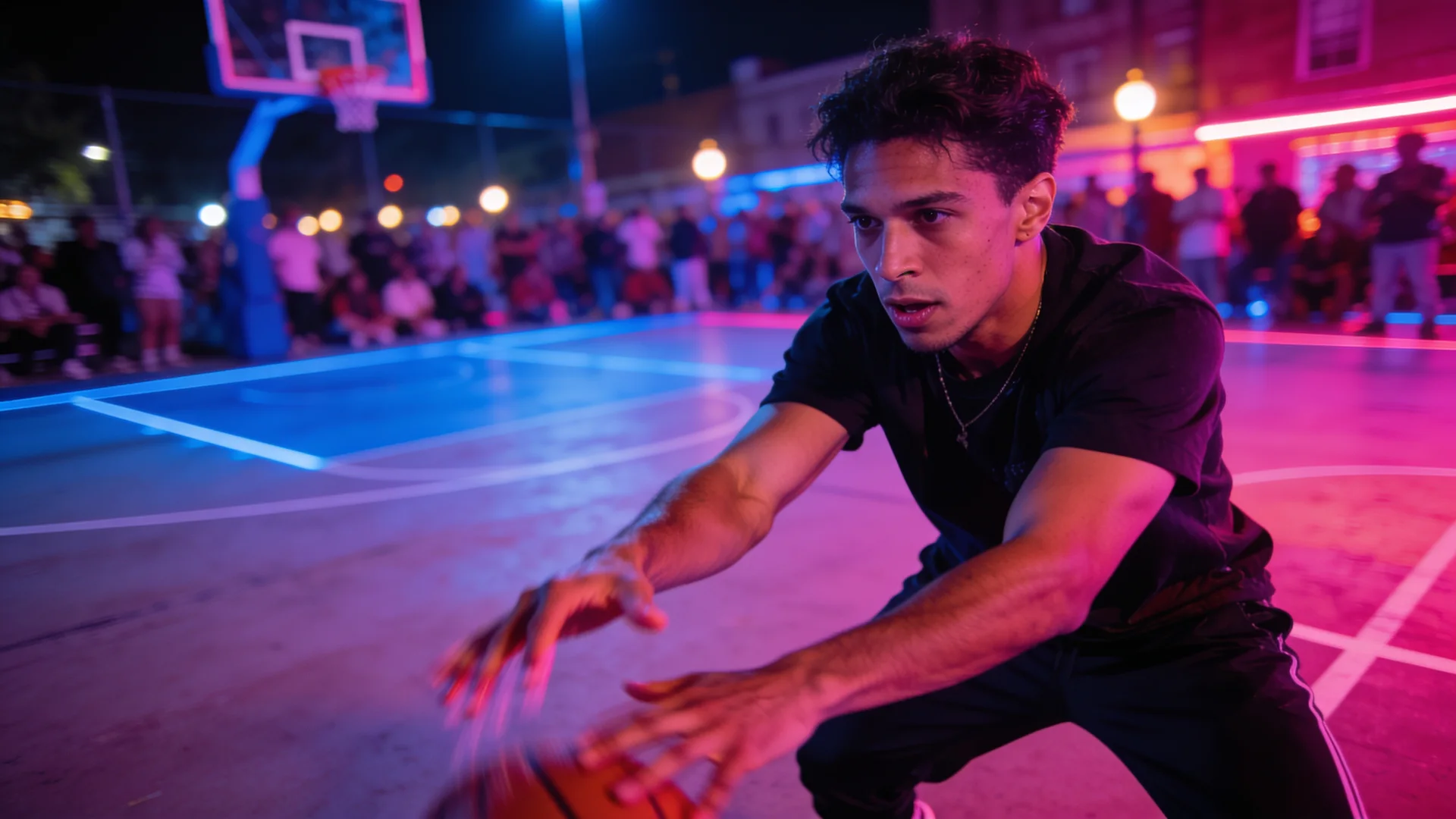
Motion control takes the movement from a reference clip (a dance, a walk, a gesture) and performs it with a different character: one you designed, one saved from your own photo, or any clear portrait. The result keeps the timing and moves of the original, and on Kling motion control the original soundtrack too.
Step by step
- Open Viral videos and pick a trending template, or upload your own clip (MP4, MOV or WebM, up to 30 seconds) in Motion Control.
- Pick your character, or add a photo showing head, shoulders and upper body.
- Check the price (set by the clip's length) and press Generate.
- Download the vertical clip and post it with the trend's sound and hashtag.
Tips for better results
- Choose reference clips with one dancer, full body in frame and a steady camera.
- Use a character photo with a similar framing to the dancer.
- Save clips you reuse as My templates so you never upload them twice.
- Only use clips you have the rights to.
At a glance
Limits as set up on VidBoss AI today. The studio always shows the current options for each model.
| Model | Starts from | Length | Resolution | Sound | Best for |
|---|---|---|---|---|---|
| Kling 3.0 Pro Motion Control Kuaishou | Photo (required) · Video | Follows your clip (3–30 s) | 1080p | Keeps your clip's sound | Dance recreation, Trend remakes |
| Kling 3.0 Standard Motion Control Kuaishou | Photo (required) · Video | Follows your clip (3–30 s) | 720p | Keeps your clip's sound | Testing trends cheaply |
| Kling 2.6 Standard Motion Control Kuaishou | Photo (required) · Video | Follows your clip (3–30 s) | 720p | Keeps your clip's sound | Budget tests |