
$14.99$4.99first month
$10.00 off your first month only
1,499 credits, the full Starter allowance
Unlock My First MonthThen $14.99/month, billed automatically from your second month until you cancel.
Kling Motion Control on VidBoss AI copies the moves, timing and camera of a reference video onto your character. Make AI dance videos and trend remakes.
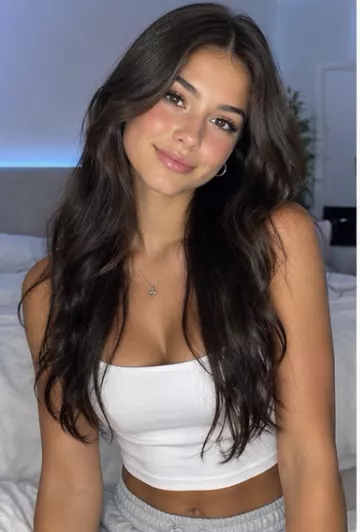
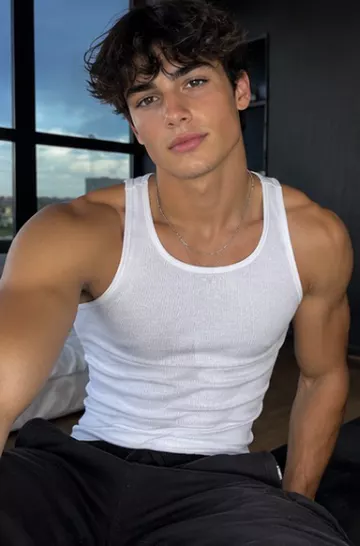
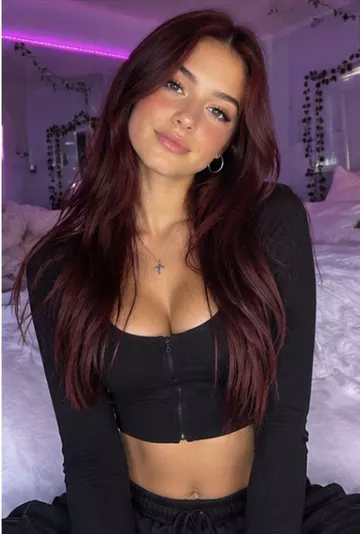
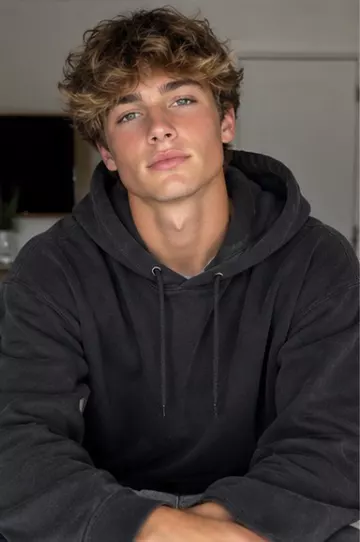
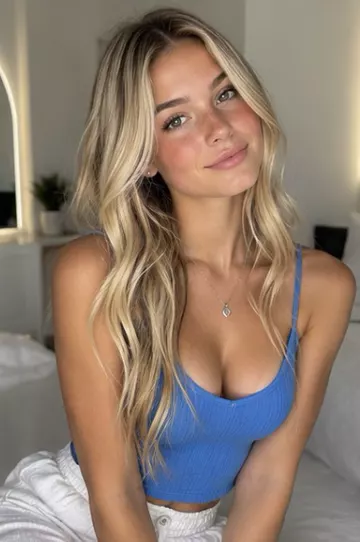
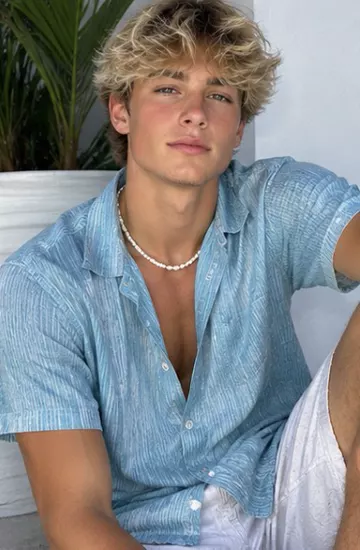
Upload a reference clip and a character image. Kling Motion Control follows the reference frame by frame, so your character performs the same dance, gesture or skit.
Pair it with Replicate Viral Videos to use ready-made trending templates.
Motion control works from two inputs, and their quality decides most of the result.
VidBoss AI offers three Kling Motion Control versions. They work the same way and differ in resolution and price. Kling 3.0 Pro renders in 1080p; Kling 3.0 Standard and Kling 2.6 Standard are 720p beta options that cost less, which makes them handy for testing a trend before you spend credits on a final version. The length of the result follows your reference clip, and the exact credit price is shown before you generate.
Kling Motion Control rebuilds the performance as a new video with your character, so the background is generated and the character can even be a pet. If you want to keep your original footage and only swap the person, use the replace-character tools instead. They edit your clip, keeping the scene, camera and sound.
Image to video animates a photo from your text description of the motion. Motion control copies the movement from a reference video onto your character, so the timing and camera come from the clip.
Most problems come from the inputs: a reference with several people, hard cuts or a fast camera, or a character photo framed differently from the performer. Use a steady clip with one performer and a photo framed the same way, then try again.
Kling Motion Control copies the movement from a reference video onto a character from your photo. On VidBoss AI the Pro version renders in 1080p, follows clips from 3 to 30 seconds and keeps the audio from your reference video.
Pick Motion Control, upload a photo of your character and a clip of the dance, and generate. A full-body photo and a steady, well-lit reference clip give the cleanest result.
One person, full body visible, steady lighting and no hard cuts.
Yes. VidBoss AI (also written Vid Boss AI or VidBoss) is one product at vidbossai.com: an AI video studio for motion control and every other kind of AI video.
Plans start at $14.99 a month with 1,499 credits. Every generation shows its exact credit price before you start, and credits are returned automatically if a render fails.
Your first month of the VidBoss AI video generator at a discount, with the plan's full monthly credits and every model: Kling, Veo, Sora, Seedance and more. Renews at the regular price; cancel any time.
$14.99$4.99first month
$10.00 off your first month only
1,499 credits, the full Starter allowance
Unlock My First MonthThen $14.99/month, billed automatically from your second month until you cancel.
$24.99$8.99first month
$16.00 off your first month only
2,624 credits, the full Pro allowance
Unlock My First MonthThen $24.99/month, billed automatically from your second month until you cancel.
$56.99$17.99first month
$39.00 off your first month only
6,554 credits, the full Business allowance
Unlock My First MonthThen $56.99/month, billed automatically from your second month until you cancel.
Prefer the regular price with no first-month offer? See all plans and credit packs