One studio, every top model
30 video models, including Kling, Veo, Sora and Seedance, with one account and one credit balance, instead of paying for and switching between separate providers.
See the modelsMake realistic AI videos from a text prompt or a photo with Kling, Veo, Sora, Seedance and more in one studio. See the exact credit price before you generate, and failed renders are refunded automatically.
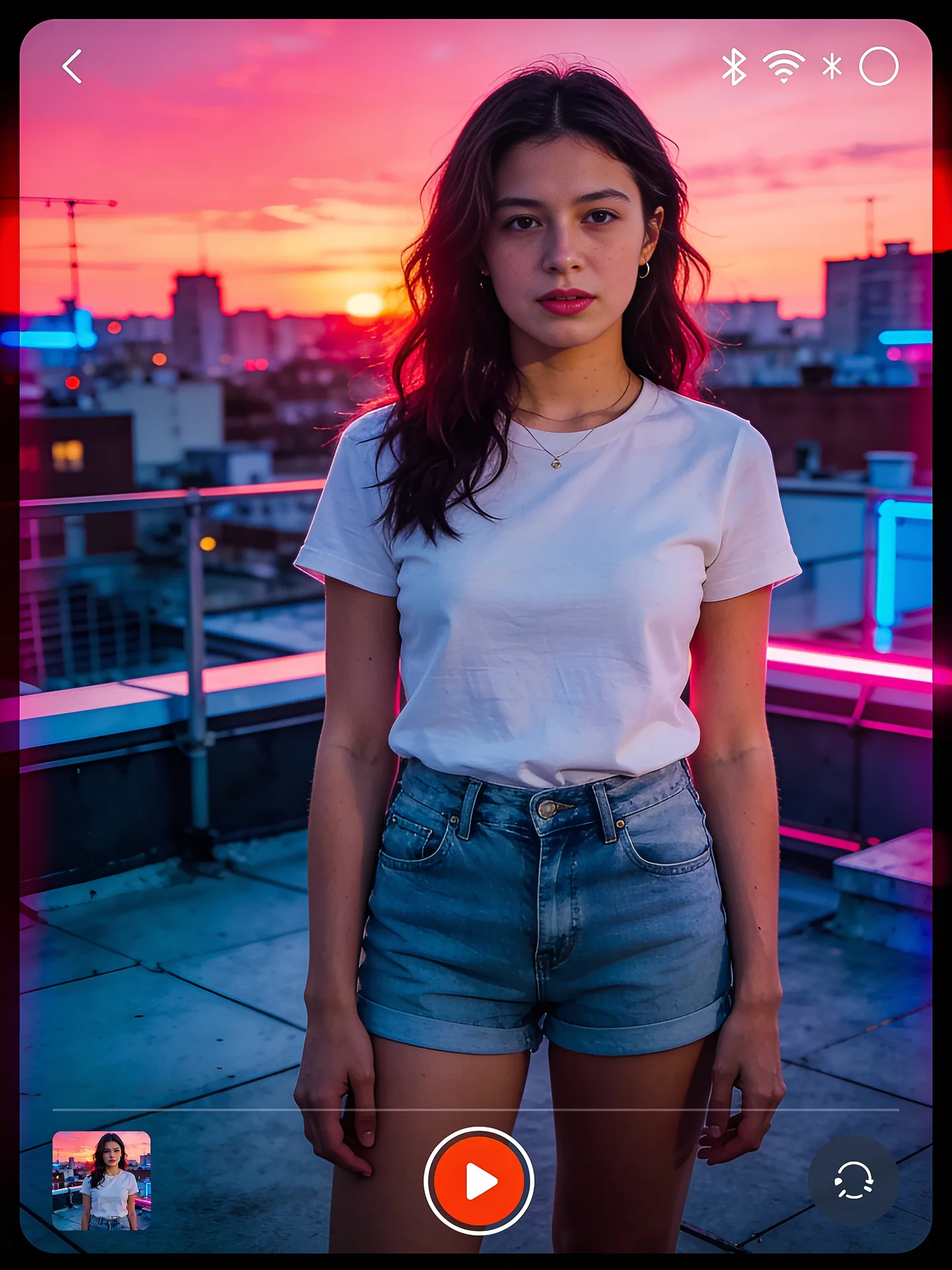
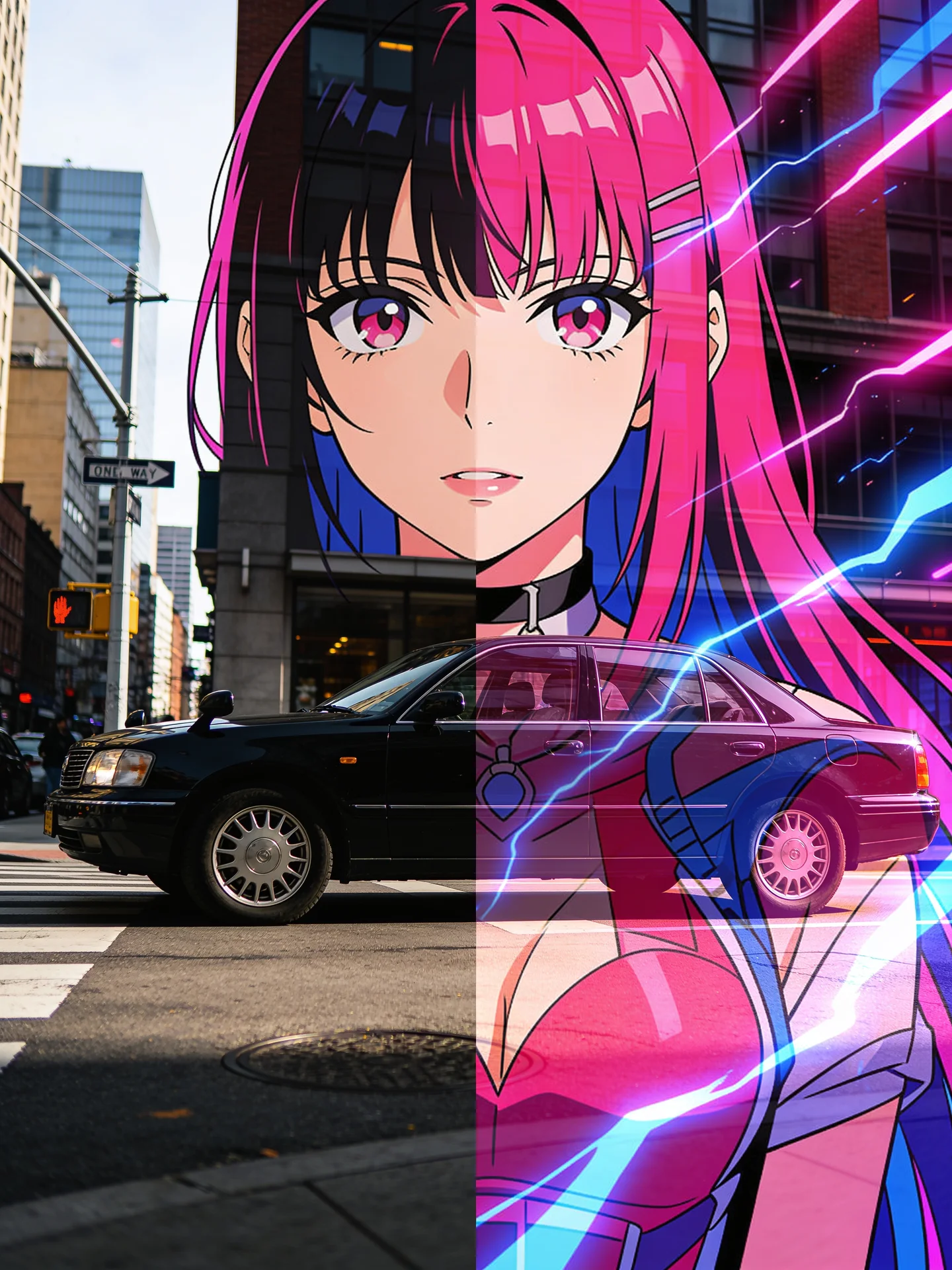
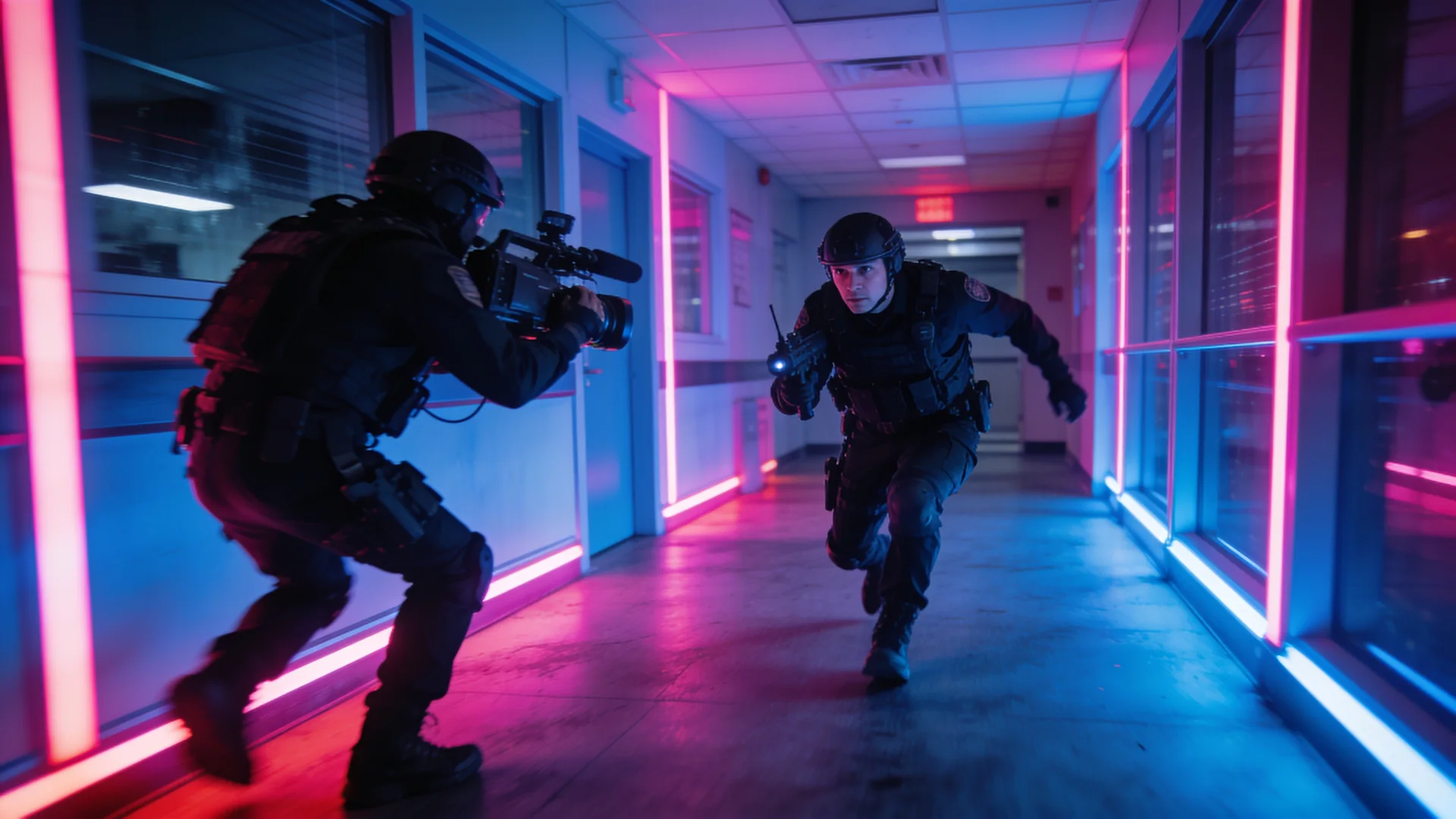
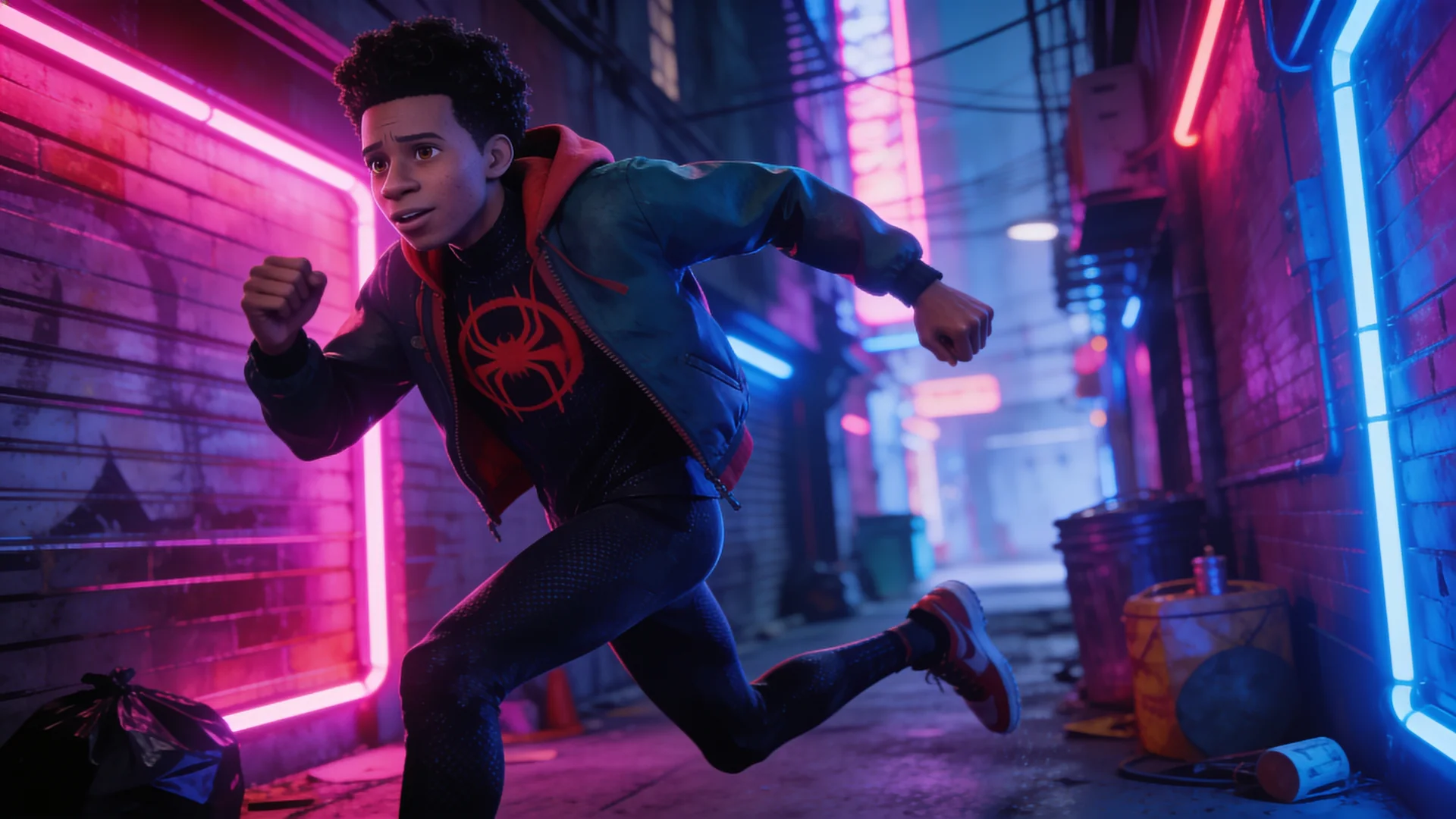
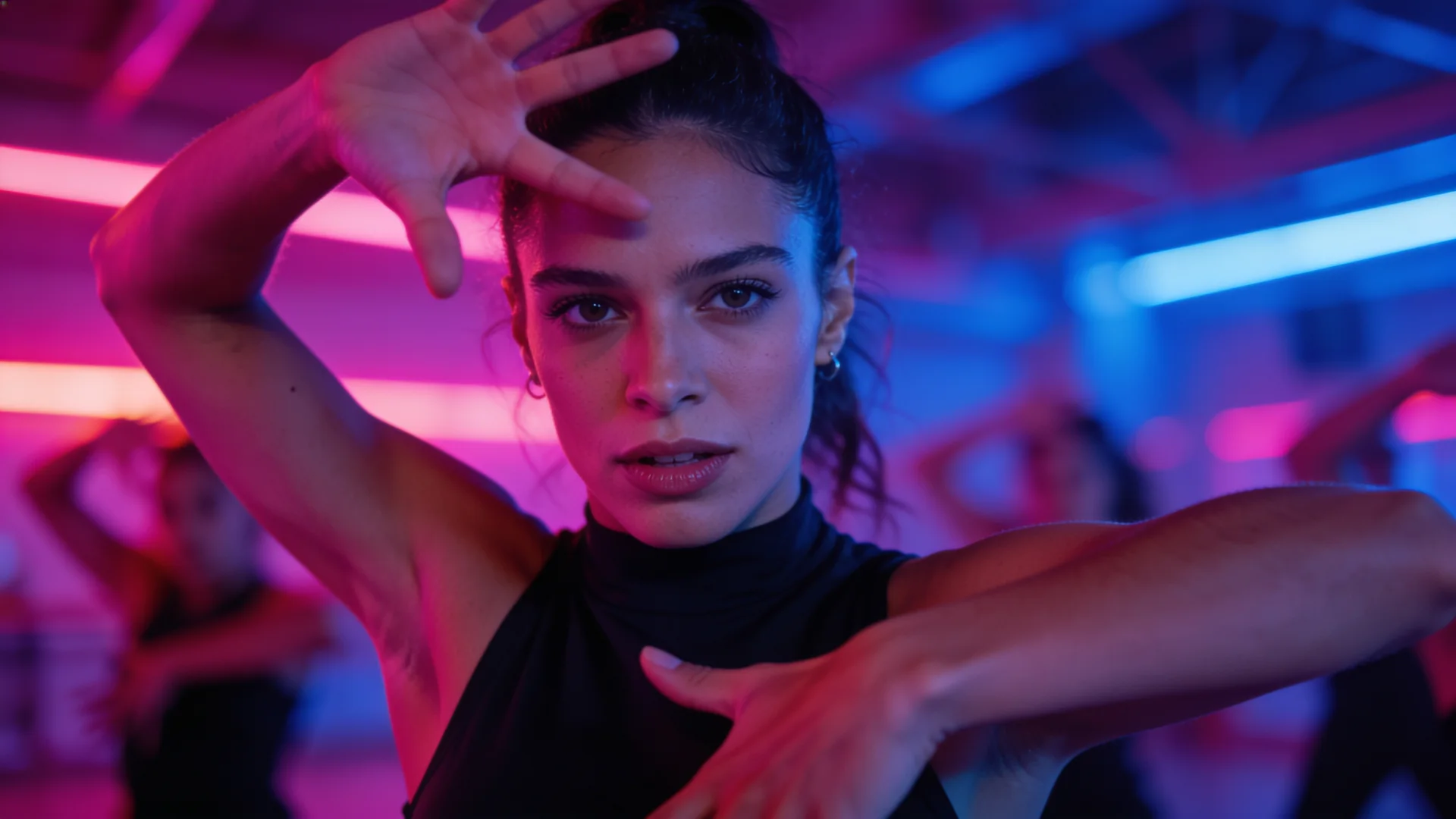
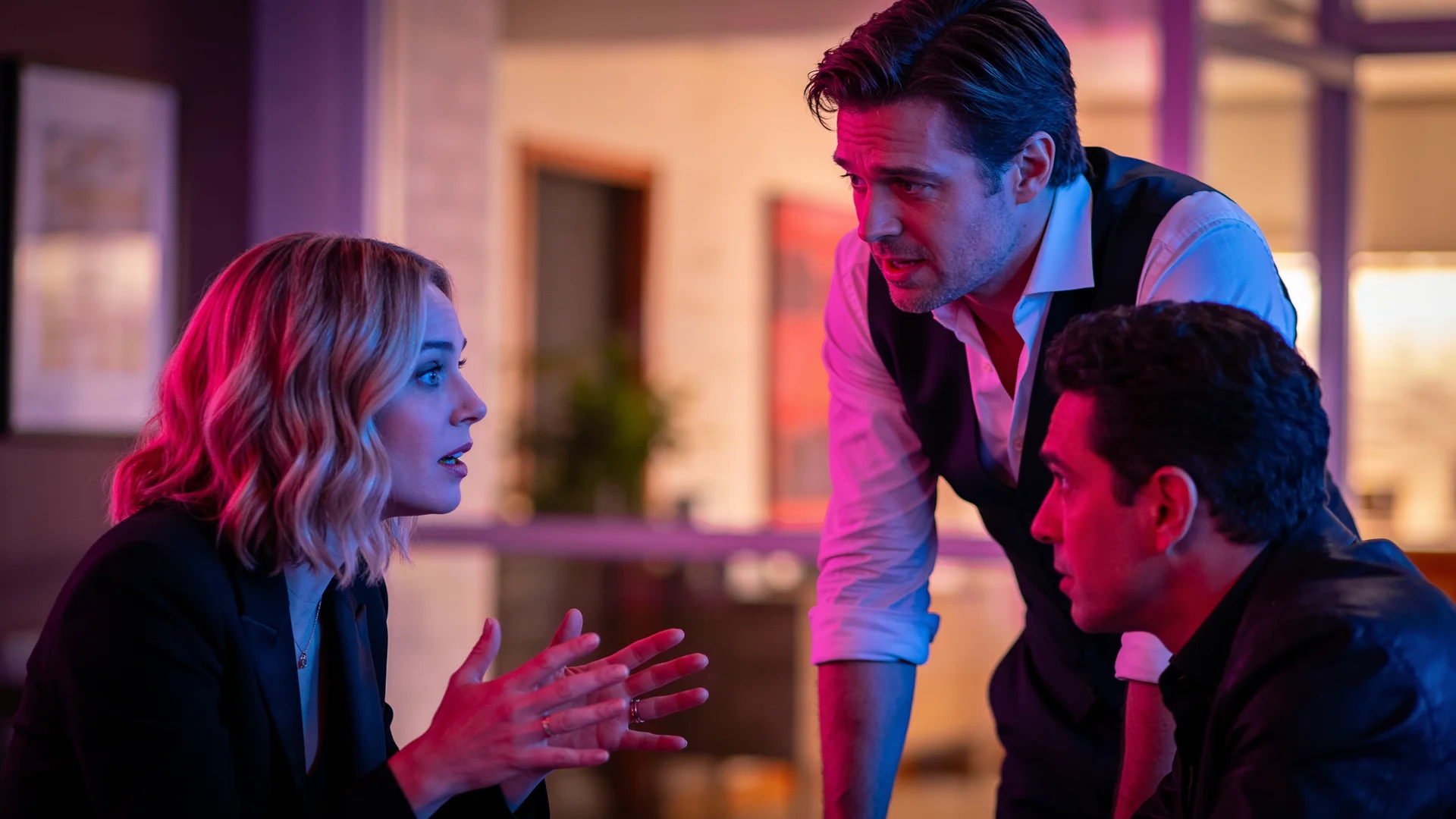
Illustrated preview of how the studio works.
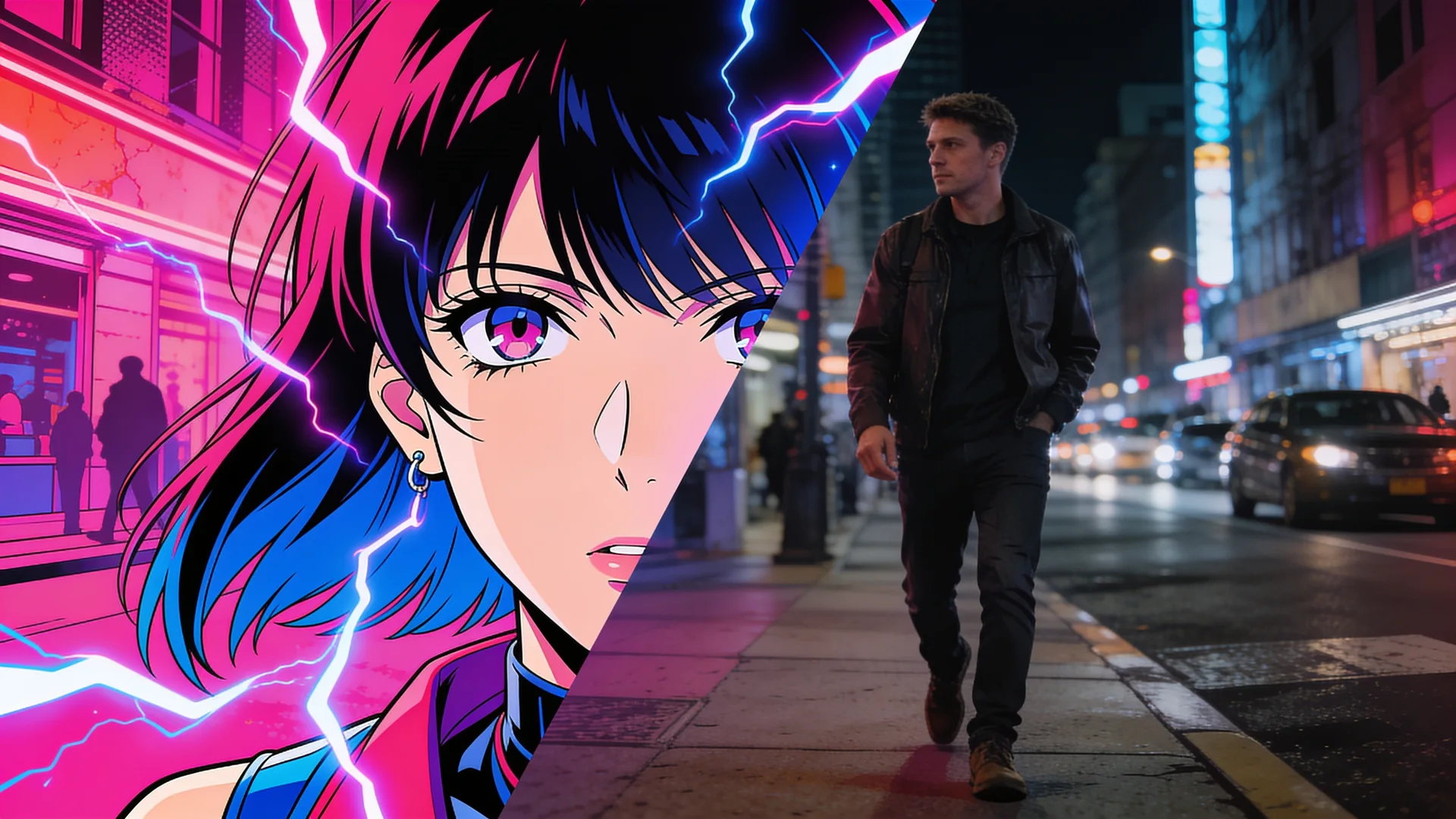
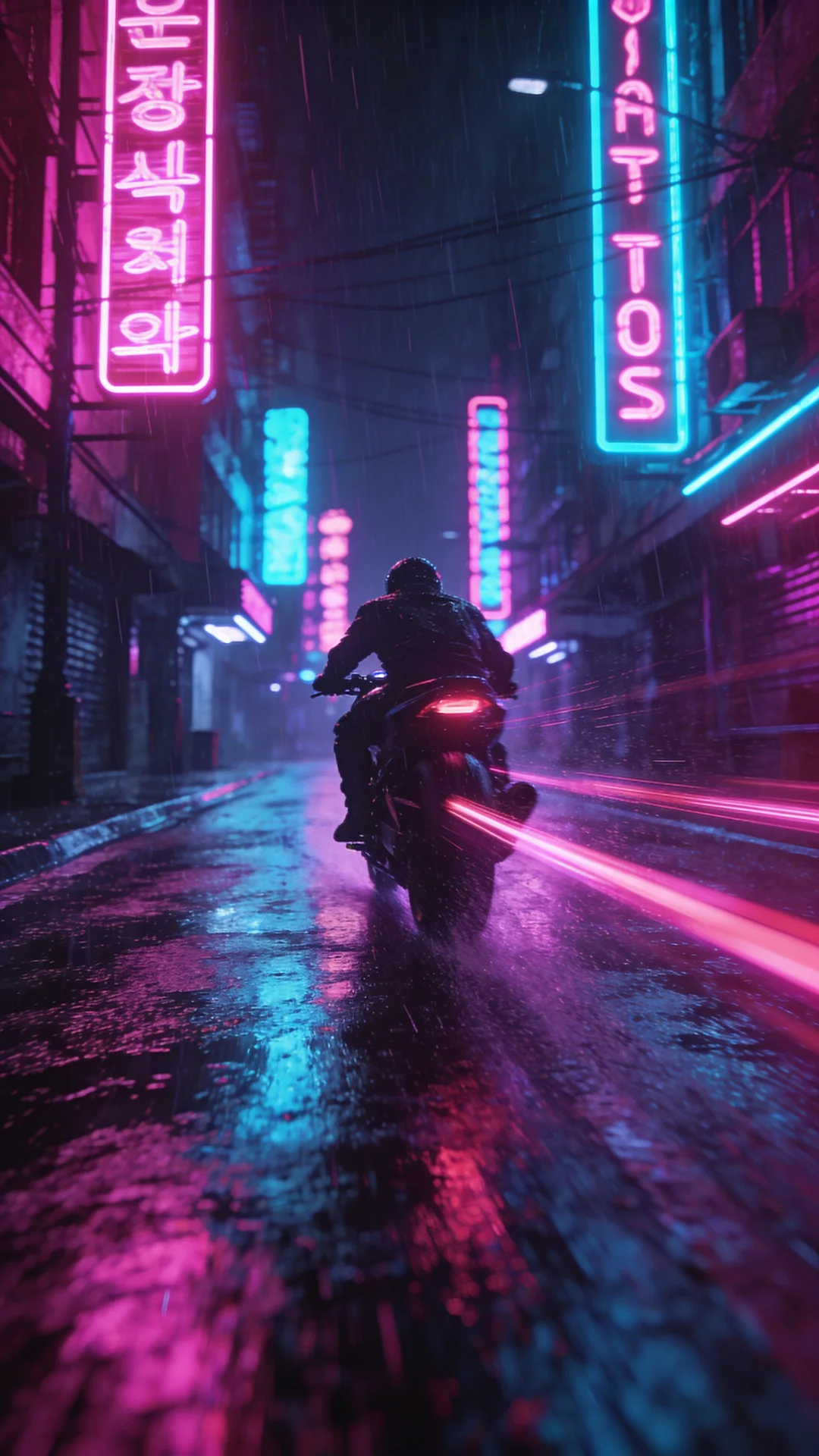
Text to Video with Kling 3.0 Pro: Rain-soaked neon street at night, a lone rider streaks past glowing signs, low tracking shot, light trails on wet asphalt
30 video models, including Kling, Veo, Sora and Seedance, with one account and one credit balance, instead of paying for and switching between separate providers.
See the modelsEvery render shows its exact credit cost first. If a model fails, the credits held for it go back to your balance automatically.
See pricingType a prompt, animate a photo, copy a dance, swap a character or start from a viral template. The Director and Auto help you choose.
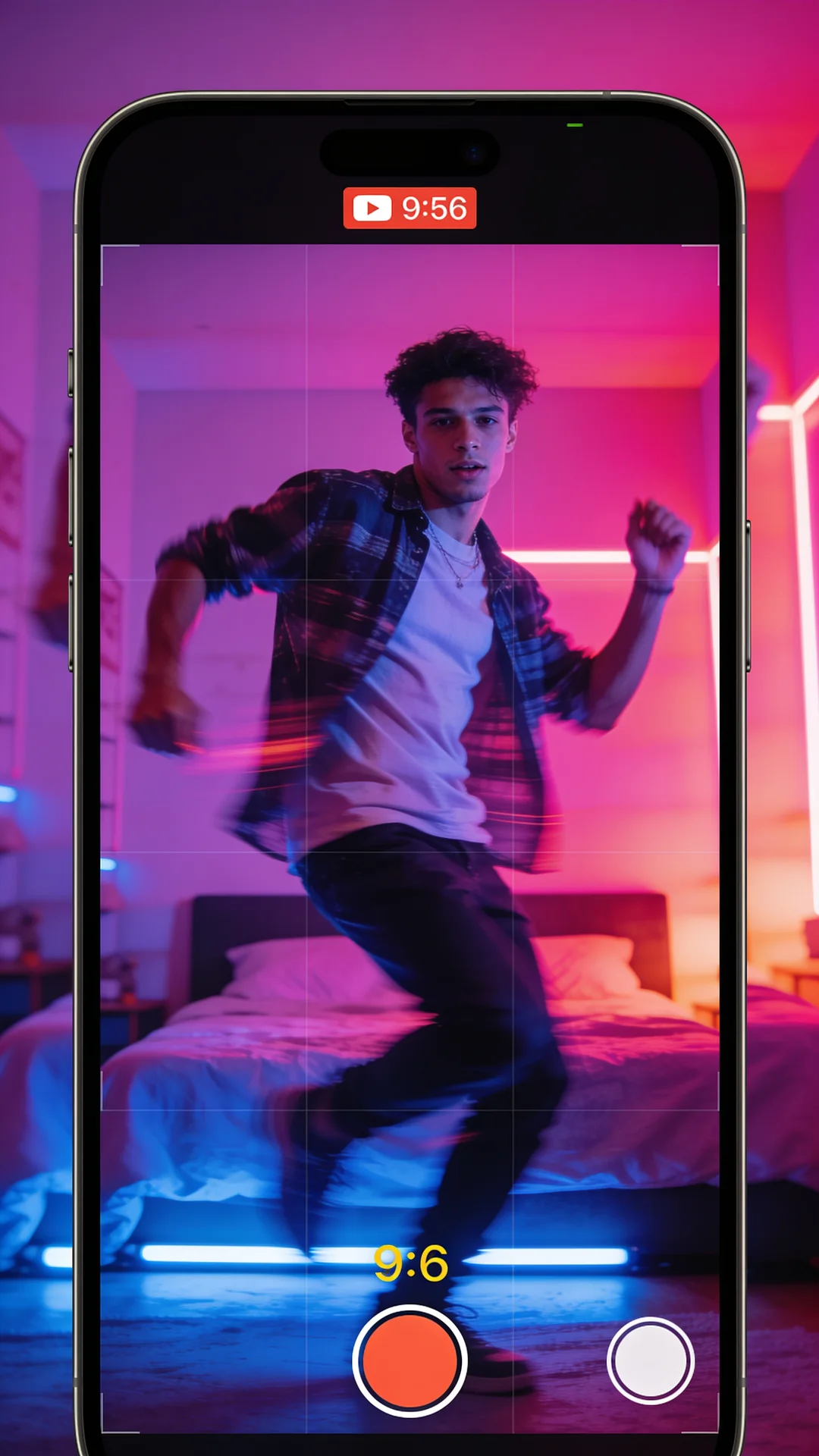
How it worksPick a trending clip, add your character or photo, and VidBoss copies the moves, beat and camera. Tap any template to start.
Start creating today from $4.99. Your plan's full monthly credits and every model, at a discount for your first month.
Choose VidBoss Auto and describe your video. It checks every verified engine against your length, resolution, framing and sound, picks the one that can actually make it, and rewrites your prompt for that model. You see the engine and the exact price before anything runs.
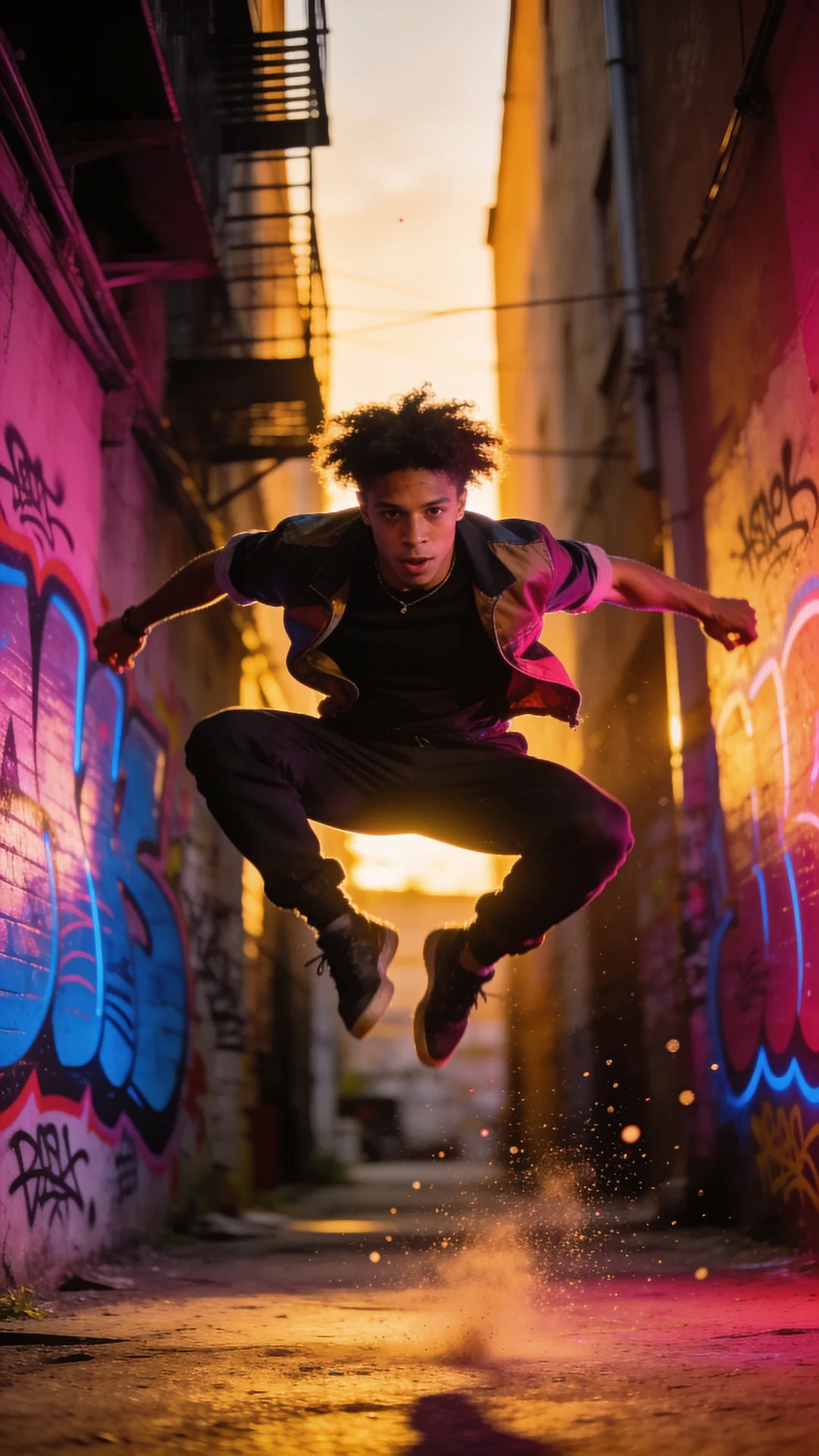
A street dancer pops and locks under a highway overpass at sunset
Look: handheld, golden hour, energetic pacing.
Sound: natural ambience.
Natural anatomy and physics, consistent lighting, smooth stable motion, no flicker, no on-screen text, captions or watermarks.
The prompt above is what the compiler builds for this engine before server-side enhancement. Your exact dialogue is always kept.
Text, images, motion transfer, character swaps, restyles, lip sync and ads, each set up with the right model for the job.
Describe who, what and where. VidBoss writes the production prompt, picks the right engine and renders picture and audio together.
Upload a photo or pick a saved character. Identity-aware models are built to keep the same face, outfit and style while adding motion.
Give it a reference clip and a character. The model transfers the body motion, timing and camera, frame by frame.
Keep the scene, camera and action of a clip you own, and replace the person with your character.
Re-render a clip as anime, claymation, film noir or a painted world while the motion stays the same.
Upload a voice track and a character. Mouth movement is synced to the exact audio you provide.
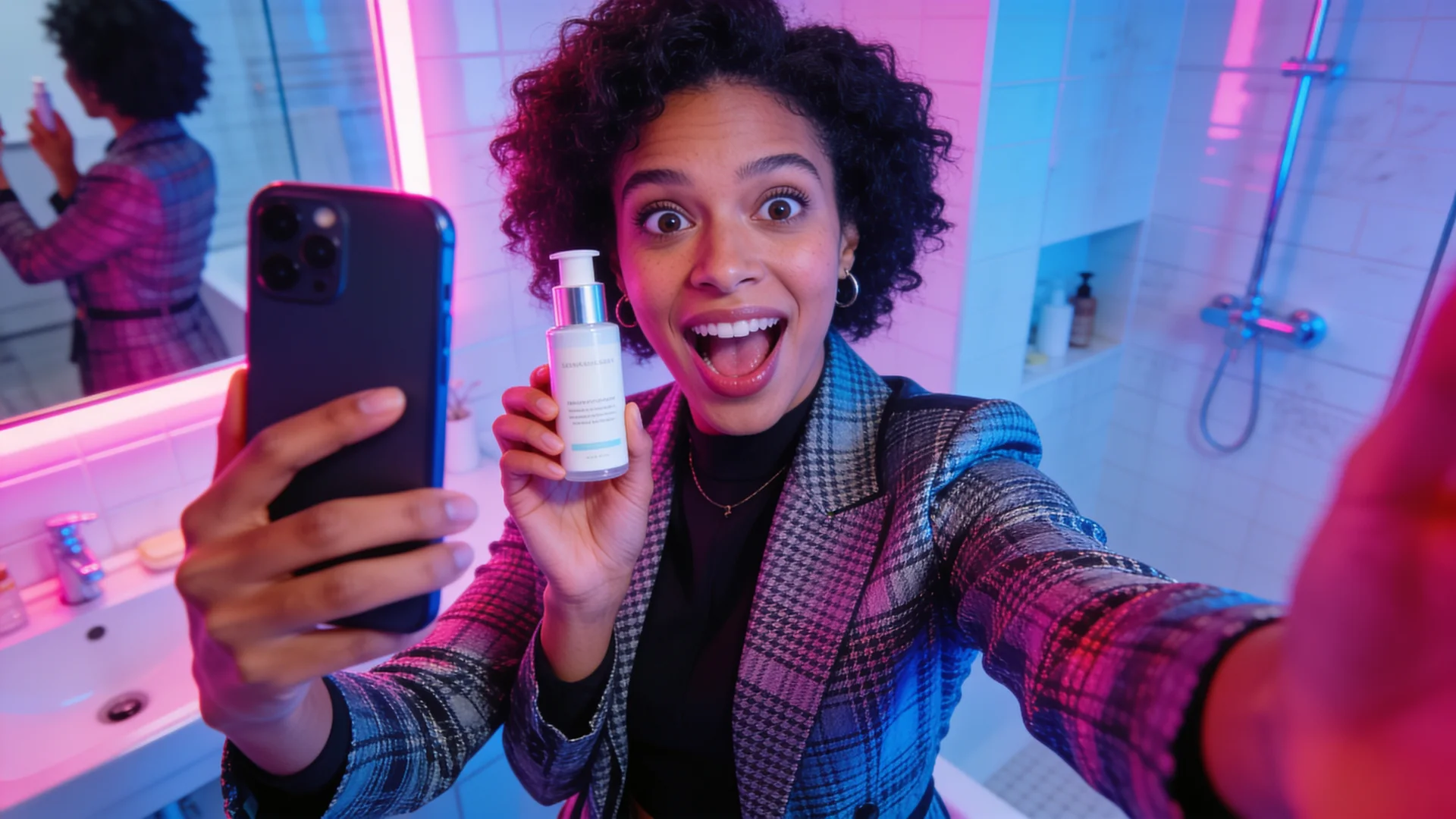
Hook-first vertical clips with natural, handheld delivery, or a glossy product hero with orbiting light.
Pick a lens, light and color grade, or one-click looks like Hollywood, Neo-noir and Nature doc.
Drag the slider. Image to video keeps your subject and composition and adds motion, camera movement and, on supported models, sound.
Describe your video the way you'd tell a film crew. The Director writes a production prompt, then picks the model, length, framing, lens, lighting, color grade and sound for you to review. It's free, and nothing runs until you press Generate.
Every tool opens the studio with the right mode, recommended models, length and framing already chosen.
Describe any scene. VidBoss picks a verified engine, enhances your prompt and renders it with native sound.
Start typingBring a photo or saved character to life while keeping the face, outfit and look consistent.
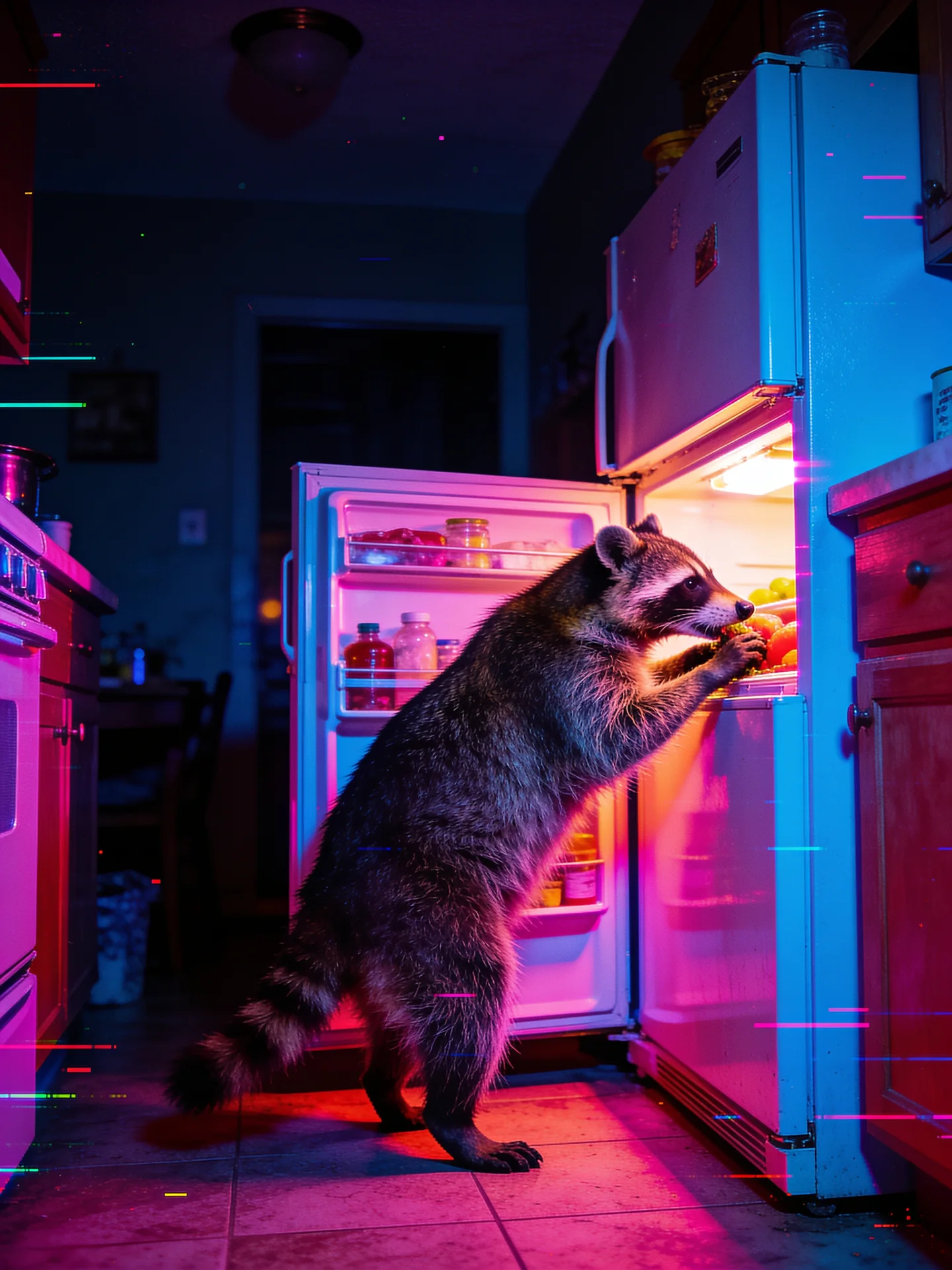
Animate a photoRaccoons running cafés, cats on skateboards — believable animals doing ridiculous things.
Cast an animalSwap the person in real footage and keep the scene, camera and original soundtrack.
Swap a personFilm-grade lighting, lenses and camera moves — crash zooms, dolly shots, drone flyovers.
Direct a sceneCreator-style product ads with natural delivery — no invented claims or fake testimonials.
Make an adGive a character your voice: upload audio and they speak or sing it with lip-sync.
Make them talkCreate stills, thumbnails and first frames with Seedream 4.5 — then animate them in one click.
Generate imagesDesign a character once, save it, and reuse the same face in every video.
Build a characterRestyle an existing clip — new look, new setting — while keeping its timing and audio.
Edit a videoDescribe a face once, or start from one of six ready-made creators, and drop the same character into every video, ad and talking clip.
OpenAI, Google, Kuaishou, ByteDance, MiniMax, Alibaba, xAI and Lightricks, side by side. Use one, compare them, or let Auto pick.
Every model page explains how it works, what it's best at and exactly what it costs.
Picks the right engine for your length, resolution and input.
Cinematic motion, natural physics and native dialogue.
Fast, realistic clips with sound — up to 4K.
Up to 30 seconds in one continuous shot.
Your character performs the exact moves from any clip.
OpenAI's storytelling model with sound, up to 20 seconds.
Type an idea, drop in a photo or clip, or pick a viral template and your character.
Pick a model or let Auto choose. The exact credit price shows before anything runs.
Your video lands in Projects, ready to share, remix or turn into the next one.
Pick a trending template or upload a clip, add your character, and motion control copies every move, beat and camera turn.
A discounted first month of a real subscription, with your plan's full monthly credits. From month two it renews at the regular price until you cancel.
$14.99$4.99first month
$10.00 off your first month only
1,499 credits, the full Starter allowance
Unlock My First MonthThen $14.99/month, billed automatically from your second month until you cancel.
$24.99$8.99first month
$16.00 off your first month only
2,624 credits, the full Pro allowance
Unlock My First MonthThen $24.99/month, billed automatically from your second month until you cancel.
$56.99$17.99first month
$39.00 off your first month only
6,554 credits, the full Business allowance
Unlock My First MonthThen $56.99/month, billed automatically from your second month until you cancel.
Monthly credits, top-up packs whenever you need more, and credits back if a render fails.
$14.99/month
1,499 credits
$24.99/month
2,624 credits · 5% bonus credits
$56.99/month
6,554 credits · 15% bonus credits
Need more? Credit packs top up any plan. See full pricing and add-ons
Credits are shown for your settings before you generate. No hidden quality tiers.
If the model fails, the credits held for that video go straight back to your balance.
Double-clicks and refreshes can't start a second paid generation of the same request.
Every render lands in Projects with its prompt, model and settings, ready to remix.
Step-by-step: copy a trending dance onto your own character or photo with AI motion control, plus tips for clips that actually go viral.
5 min readAI photo animation looking strange? Fix drifting faces, bending hands and warping backgrounds, then turn any photo into a natural-looking video, step by step.
4 min readA practical comparison of Kling 3.0, Google Veo 3.1 and OpenAI Sora 2 on VidBoss AI: lengths, resolutions, sound and what each is best at.
5 min readVidBoss AI (Vid Boss AI) is an AI video studio with 30 models, including Sora 2, Veo 3.1, Kling 3.0 and Seedance. Turn text or a photo into video, copy viral trends onto your own character, and make UGC and product ads with VidBoss Auto choosing the model and enhancing your prompt.
VidBoss AI (also written Vid Boss AI) is an AI video generator at vidbossai.com. It puts Sora 2, Google Veo 3.1, Kling 3.0, Seedance, Hailuo, Wan, Vidu, Grok Imagine and LTX in one studio, so you can make text-to-video, image-to-video, viral videos, UGC ads, product ads and talking AI characters on one credit balance.
Yes. VidBoss AI is an online AI video studio: generate videos with every top model, create AI images and thumbnails, design consistent characters, copy viral templates and keep every project in one library.
Yes. The built-in AI image generator makes thumbnails, product shots, character portraits and first frames, and any image can be turned into a video in one click.
VidBoss Auto picks the best AI video model for your length, resolution and sound settings and rewrites your prompt for that model, so you get a strong result without comparing engines yourself.
OpenAI Sora 2 and Sora 2 Pro, Google Veo 3.1, Kling 3.0, Kling O3, Kling 2.6, Seedance 2.5, MiniMax Hailuo 2.3, Alibaba Wan 2.6, Vidu Q3, xAI Grok Imagine, LTX 2.5, PixVerse and Sync lip sync, plus motion control and character replacement models.
Plans start at $14.99 a month for 1,499 credits, and every plan includes every model. The studio shows the exact credit price before you generate, and credits are returned automatically if a render fails.
Yes. Make vertical 9:16 videos, copy trending dances onto your own character with motion control, use Replicate Viral Videos templates, and create UGC-style ads with your exact script.
Share VidBoss AI with your audience and earn $1.75+ for every customer you bring in. Get your own custom link or discount code, tracked with Trackli. Free to apply.
Pick a plan, get your monthly credits and start generating with every model in the studio.