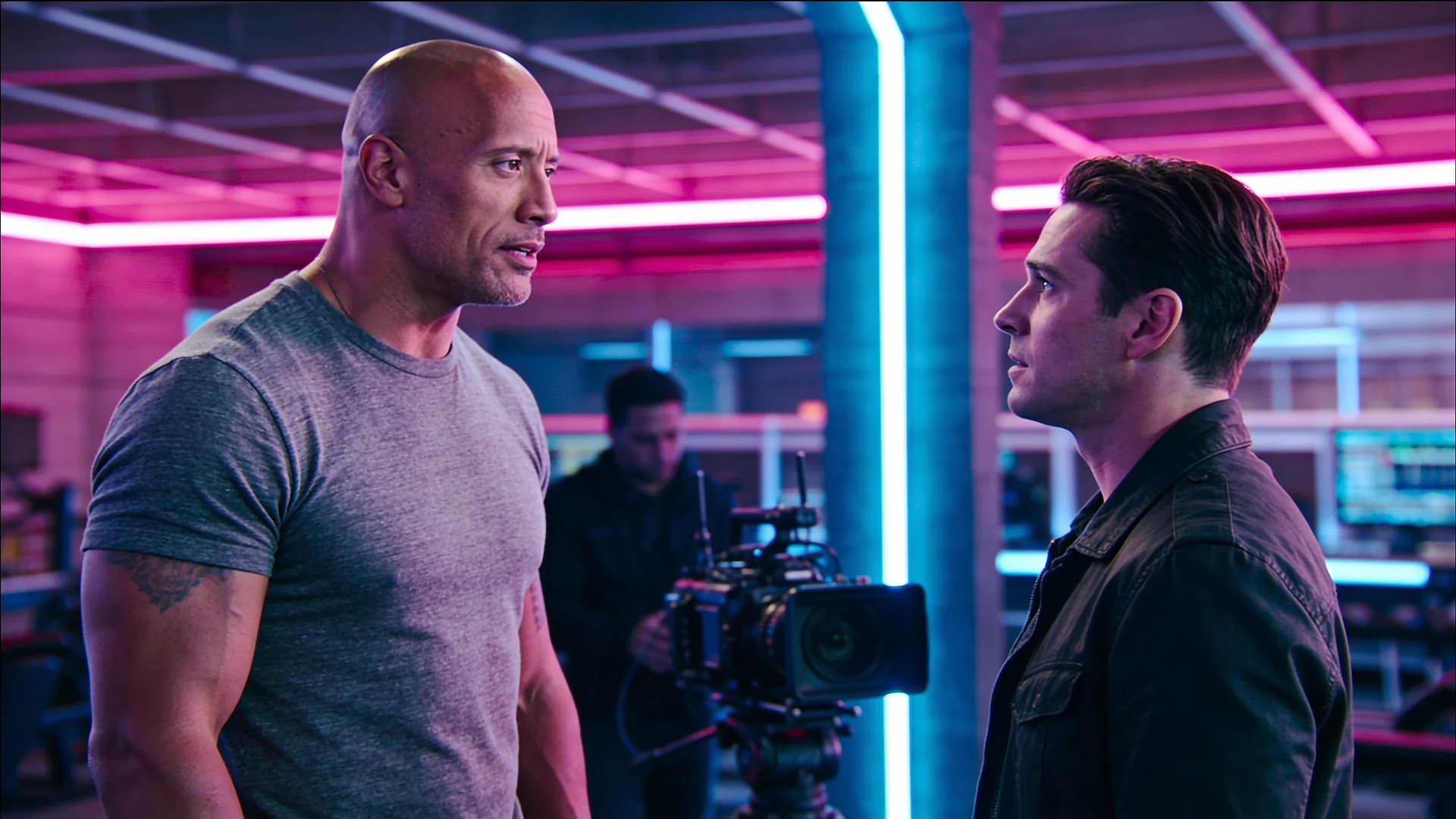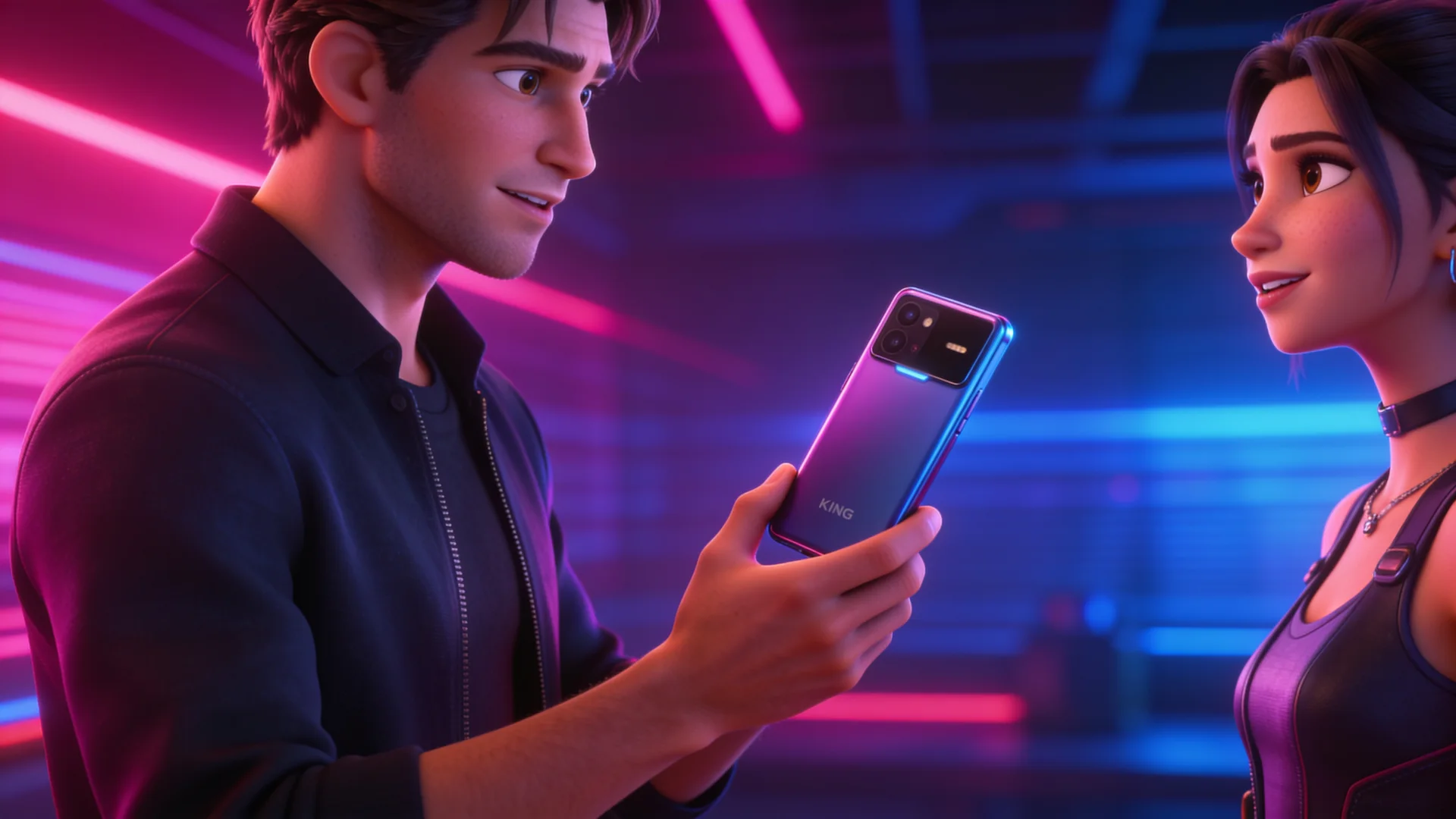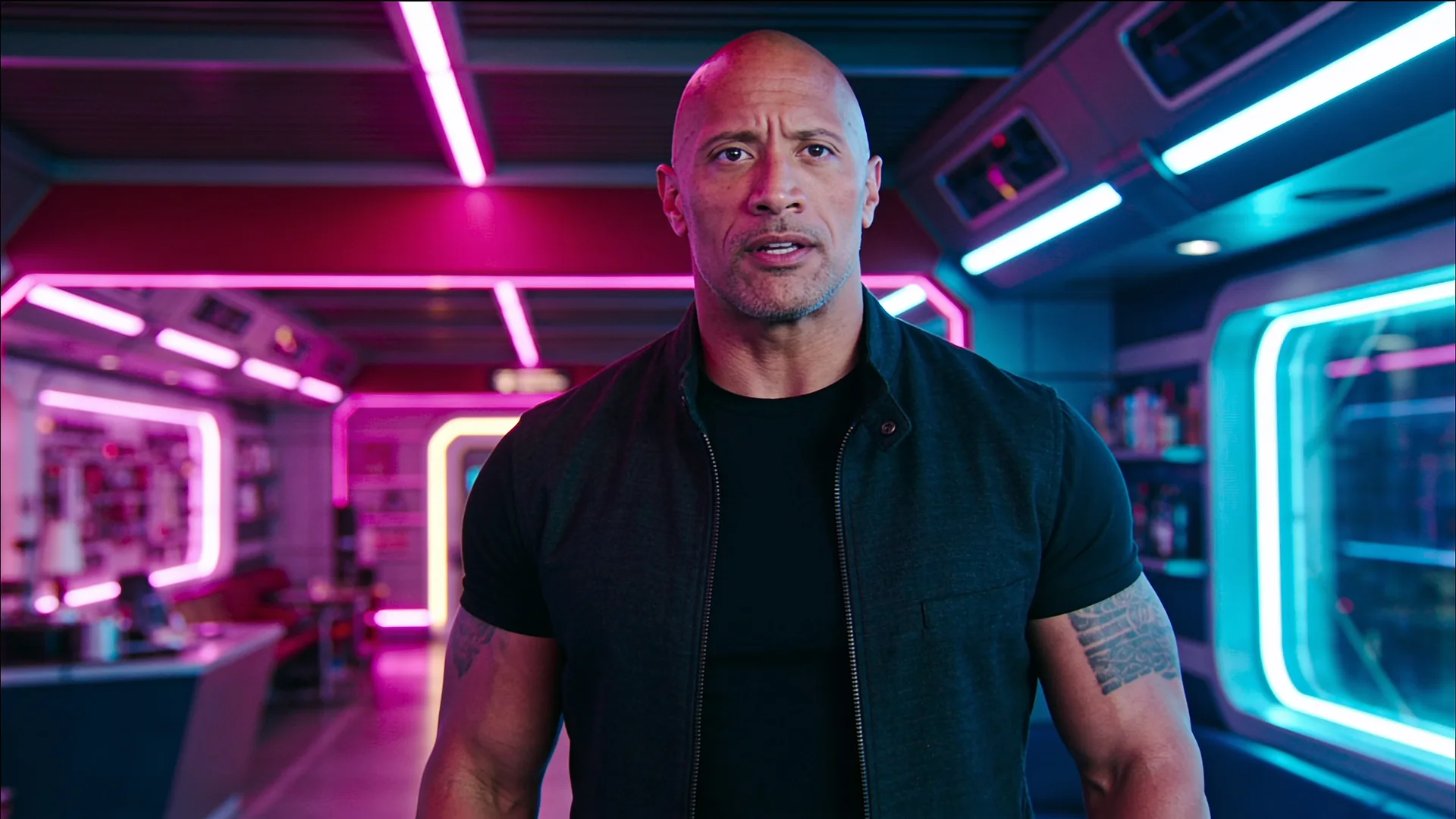
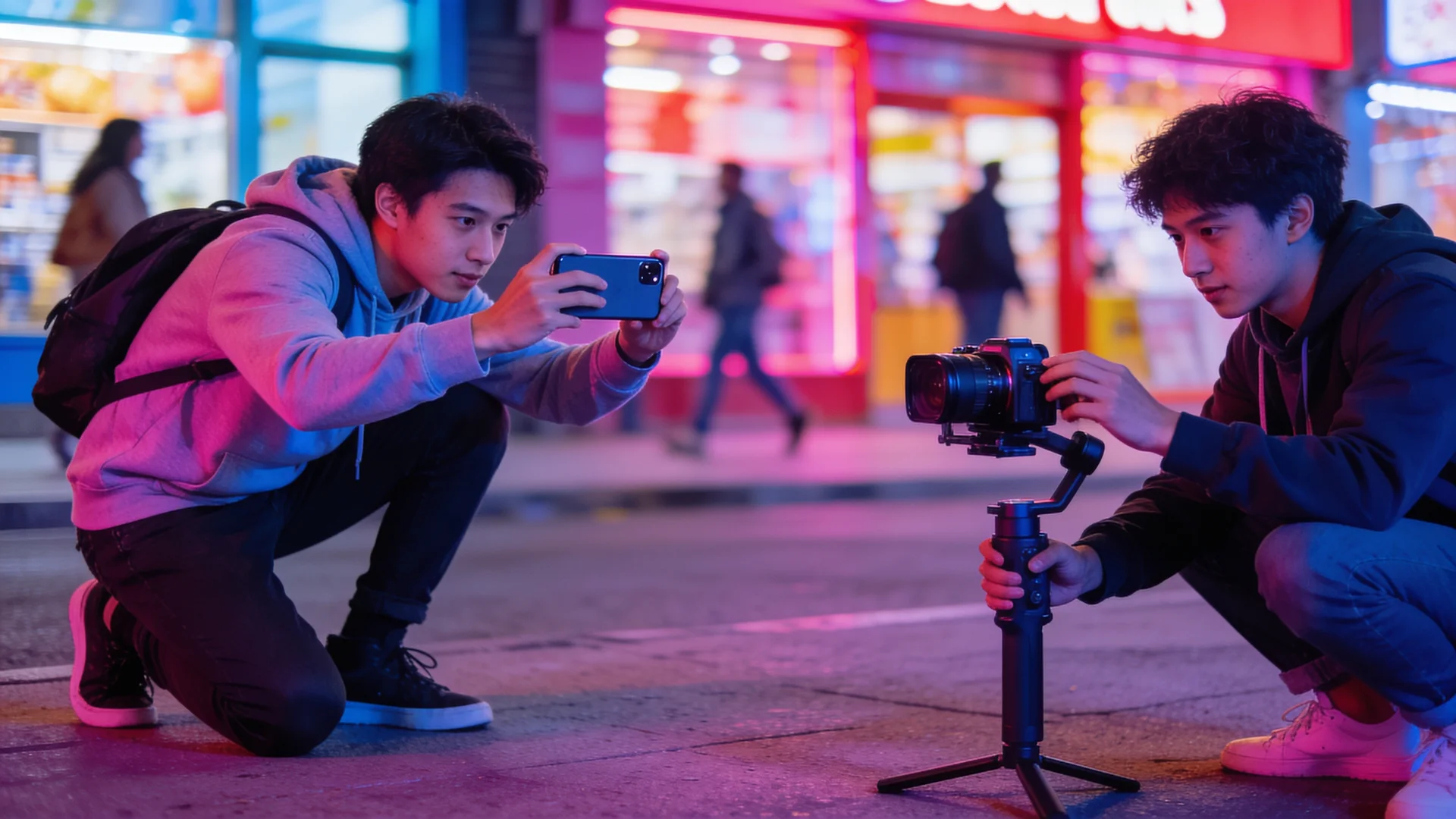
Picks the right engine for your length, resolution and input.
4–30s720p · 1080p · 4kNative audio
From 236 creditsPriced as the engine it picksVidBoss Auto Details
Veo 3.1 Standard is Google's highest-fidelity tier, with stronger detail, lighting and sound design than Fast at a higher price.
| Lengths | 720p: 4, 6, 8 seconds · 1080p: 4, 6, 8 seconds · 4k: 4, 6, 8 seconds |
|---|---|
| Resolution | 720p, 1080p, 4k |
| Aspect ratio | 16:9 or 9:16 |
| Audio | Optional native audio (on or off) |
| Inputs | Prompt, Image or saved character (optional) |
| Clip | Credits |
|---|---|
| 4s · 720p · silent | 431 |
| 4s · 720p · with audio | 842 |
| 8s · 720p · silent | 842 |
| 8s · 720p · with audio | 1,663 |
| 4s · 1080p · silent | 431 |
| 4s · 1080p · with audio | 842 |
| 8s · 1080p · silent | 842 |
| 8s · 1080p · with audio | 1,663 |
1 credit = $0.01 at list price. Credits held for a generation are returned if it fails.
Limits as set up on VidBoss AI today.
| Model | Starts from | Length | Resolution | Sound | Best for |
|---|---|---|---|---|---|
| Google Veo 3.1 | Text · Photo | 4, 6, 8 s | 720p, 1080p, 4K | Optional | Hero shots, Premium ads |
| Kling 3.0 Pro Kuaishou | Text | 3–15 s | 1080p | Optional | Cinematic scenes, Dialogue shots |
| Kling 3.0 Pro · Image to Video Kuaishou | Photo (required) | 3–15 s | 1080p | Optional | Product shots, Character animation |
Google's flagship: richest detail and sound design. It is made by Google and available in the VidBoss AI studio.
720p: 4, 6, 8 seconds · 1080p: 4, 6, 8 seconds · 4k: 4, 6, 8 seconds.
Optional native audio (on or off).
Prompt, Image or saved character (optional).
From 431 credits per video, depending on length and settings. The exact price is shown before you generate, and the credits are returned automatically if a render fails. Every plan includes every model.
AI photo animation looking strange? Fix drifting faces, bending hands and warping backgrounds, then turn any photo into a natural-looking video, step by step.
4 min read Model comparisonA practical comparison of Kling 3.0, Google Veo 3.1 and OpenAI Sora 2 on VidBoss AI: lengths, resolutions, sound and what each is best at.
5 min read ModelsCompare every AI video model on VidBoss AI by length, resolution, sound and inputs, and learn which one fits your shot.
6 min readPicks the right engine for your length, resolution and input.
Cinematic motion, natural physics and native dialogue.
Bring a still image to life with Kling 3.0 motion.
Your first month of the VidBoss AI video generator at a discount, with the plan's full monthly credits and every model: Kling, Veo, Sora, Seedance and more. Renews at the regular price; cancel any time.
$14.99$4.99first month
$10.00 off your first month only
1,499 credits, the full Starter allowance
Unlock My First MonthThen $14.99/month, billed automatically from your second month until you cancel.
$24.99$8.99first month
$16.00 off your first month only
2,624 credits, the full Pro allowance
Unlock My First MonthThen $24.99/month, billed automatically from your second month until you cancel.
$56.99$17.99first month
$39.00 off your first month only
6,554 credits, the full Business allowance
Unlock My First MonthThen $56.99/month, billed automatically from your second month until you cancel.
Prefer the regular price with no first-month offer? See all plans and credit packs