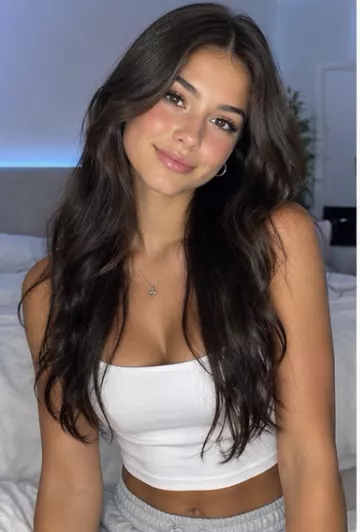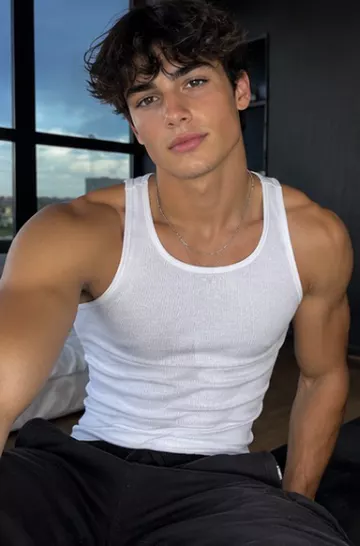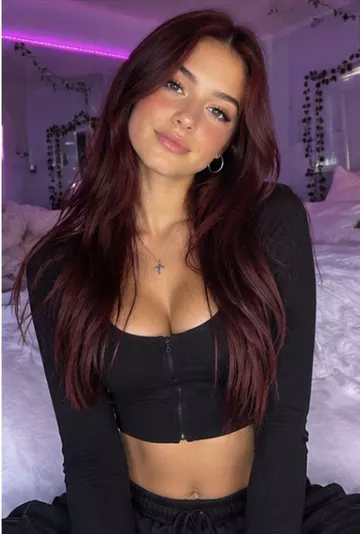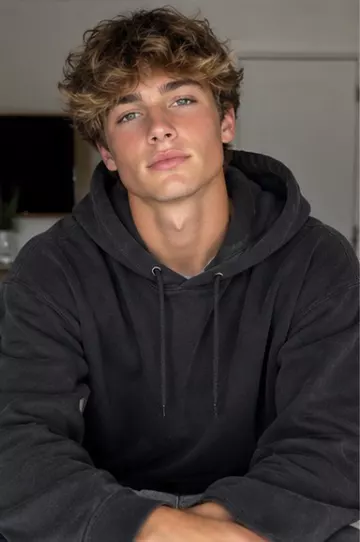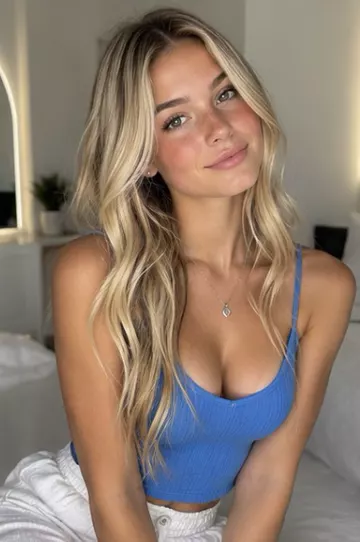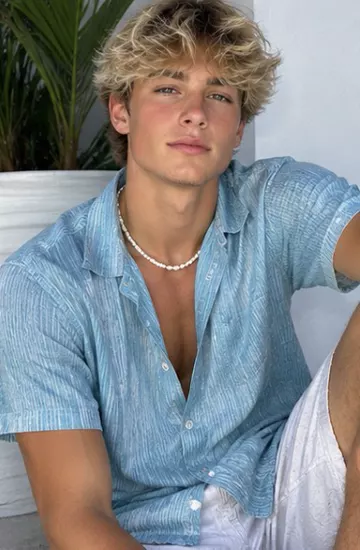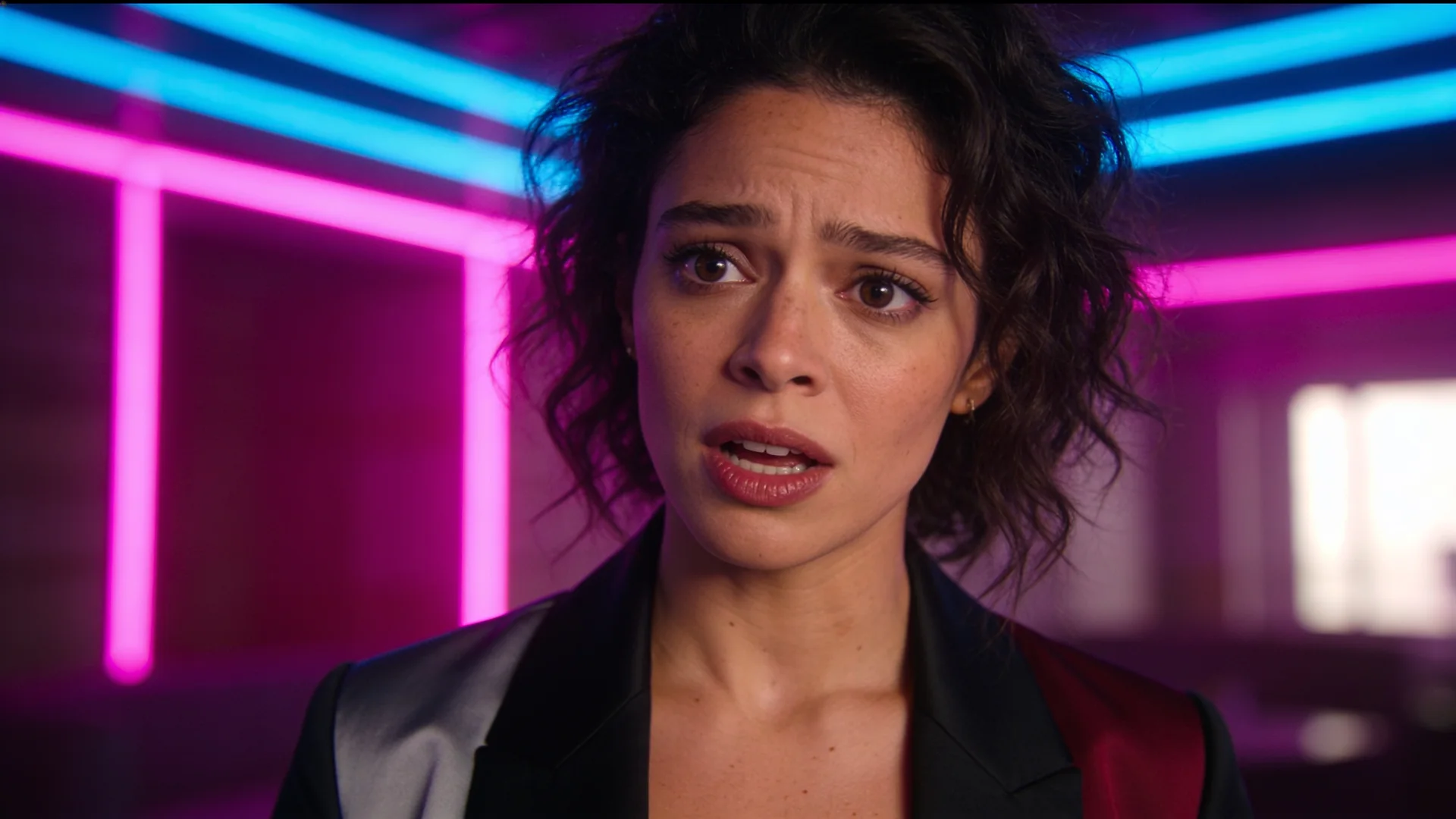
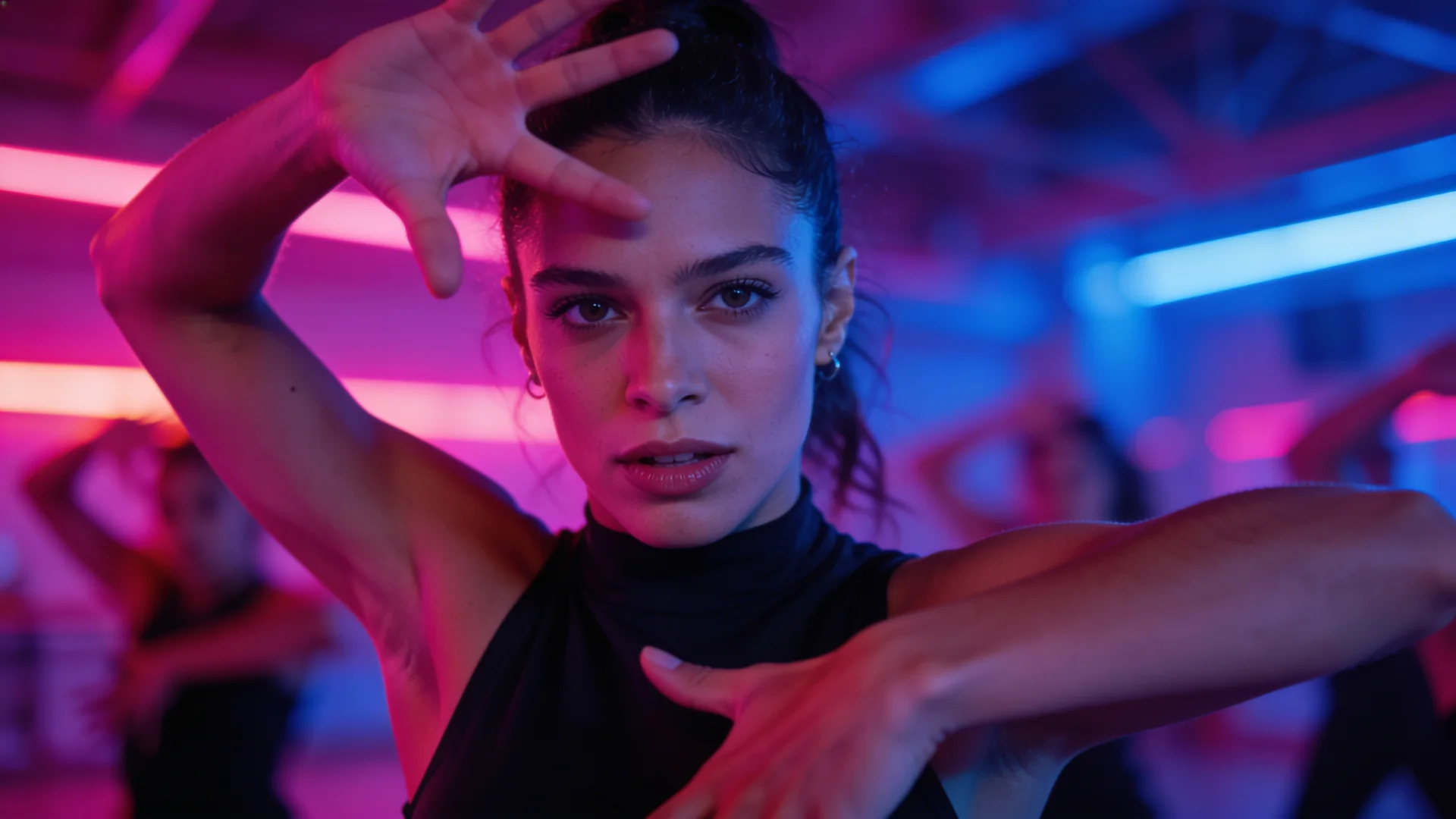
Your character performs the exact moves from any clip.
3–30s sourceNative (set by Kling)Keeps original audio
Best for motion
From 279 creditsExact price shown before you generateKling 3.0 Pro Motion Control Details
Person Swap edits your original video: the background, camera, lighting, timing and soundtrack all stay; only the person is replaced with your character photo.
| Lengths | 720p: 1–30 seconds |
|---|---|
| Resolution | 720p |
| Aspect ratio | Follows your source video |
| Audio | Keeps the uploaded clip's soundtrack |
| Inputs | Prompt, Image or saved character (required), Source video (required) |
| Clip | Credits |
|---|---|
| 1s · 720p | 125 |
| 8s · 720p | 238 |
| 30s · 720p | 272 |
1 credit = $0.01 at list price. Credits held for a generation are returned if it fails.
Limits as set up on VidBoss AI today.
| Model | Starts from | Length | Resolution | Sound | Best for |
|---|---|---|---|---|---|
| PixVerse Person Swap PixVerse | Photo (required) · Video | Follows your clip (1–30 s) | 720p | Keeps your clip's sound | Replace a person in real footage, Meme remakes |
| Kling 3.0 Pro Motion Control Kuaishou | Photo (required) · Video | Follows your clip (3–30 s) | 1080p | Keeps your clip's sound | Dance recreation, Trend remakes |
| Kling 3.0 Standard Motion Control Kuaishou | Photo (required) · Video | Follows your clip (3–30 s) | 720p | Keeps your clip's sound | Testing trends cheaply |
| Kling 2.6 Standard Motion Control Kuaishou | Photo (required) · Video | Follows your clip (3–30 s) | 720p | Keeps your clip's sound | Budget tests |
Swap the person, keep everything else from your clip. It is made by PixVerse and available in the VidBoss AI studio.
720p: 1–30 seconds.
Keeps the uploaded clip's soundtrack.
Prompt, Image or saved character (required), Source video (required).
From 123 credits per video, depending on length and settings. The exact price is shown before you generate, and the credits are returned automatically if a render fails. Every plan includes every model.
AI character replacement explained: swap the person in a real clip for your own character, choose between PixVerse Swap and MiniMax Recast, and avoid mistakes.
5 min read ModelsCompare every AI video model on VidBoss AI by length, resolution, sound and inputs, and learn which one fits your shot.
6 min readYour character performs the exact moves from any clip.
Motion Control at a lower price.
Budget motion transfer for quick tests.
Your first month of the VidBoss AI video generator at a discount, with the plan's full monthly credits and every model: Kling, Veo, Sora, Seedance and more. Renews at the regular price; cancel any time.
$14.99$4.99first month
$10.00 off your first month only
1,499 credits, the full Starter allowance
Unlock My First MonthThen $14.99/month, billed automatically from your second month until you cancel.
$24.99$8.99first month
$16.00 off your first month only
2,624 credits, the full Pro allowance
Unlock My First MonthThen $24.99/month, billed automatically from your second month until you cancel.
$56.99$17.99first month
$39.00 off your first month only
6,554 credits, the full Business allowance
Unlock My First MonthThen $56.99/month, billed automatically from your second month until you cancel.
Prefer the regular price with no first-month offer? See all plans and credit packs