How to make funny AI animal videos that people actually share
Make funny AI animal videos that people share: the setup-and-payoff formula, doorbell-camera clips, 10 ready-to-paste prompts and how to post them honestly.
Why funny animal clips spread
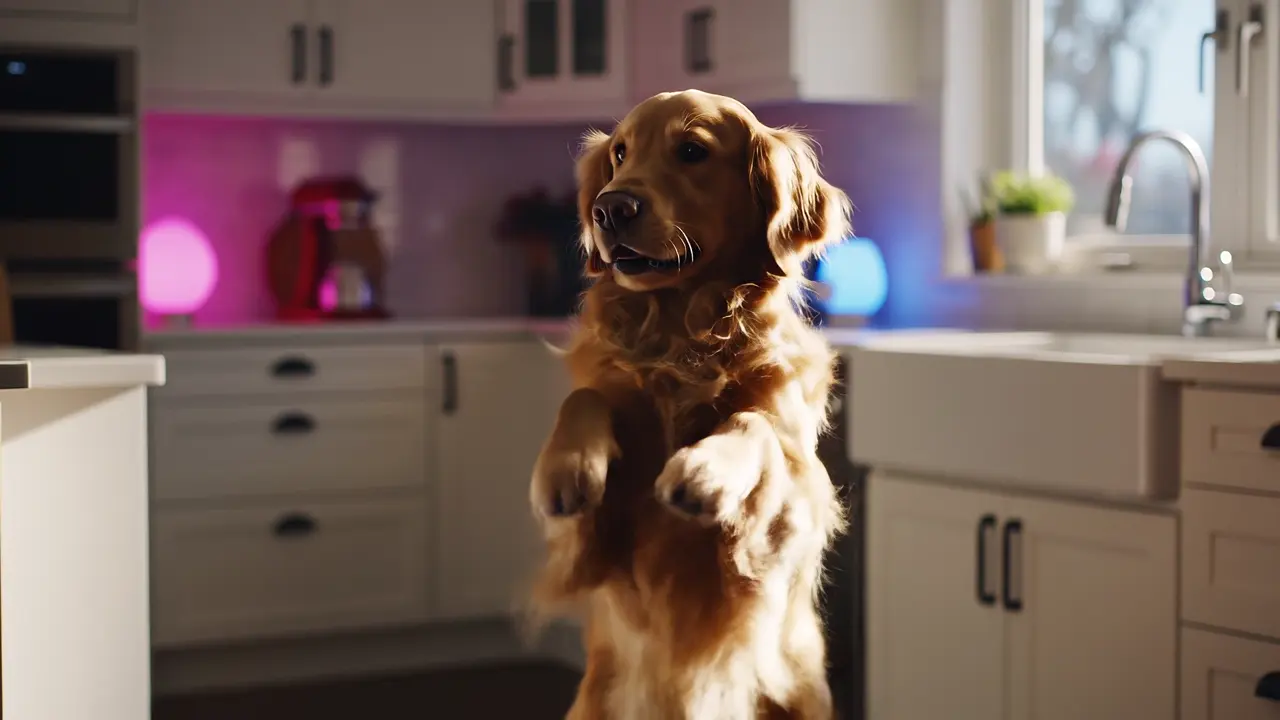
Animal clips cross every language and age group, and people forward them to friends without thinking of them as content. AI lets you make the moments you could never film: a raccoon delivering pizza, a goose running a checkout, a cat chairing a board meeting.
The clips that get shared are not the most detailed ones. They have one clear idea that a viewer understands in a second and wants to send to someone.
The formula: one job, one problem
Most funny animal clips follow the same shape. Write it down before you write the prompt:
- The animal: be specific (a chubby orange cat, a serious-looking goose, a raccoon in a tiny cap).
- The human job or habit: cooking, driving, working from home, delivering parcels, doing yoga.
- The problem or twist: something slips, falls, gets stolen or goes better than expected.
- The reaction: a slow look to the camera, a freeze, a dramatic sigh. The reaction is often the funniest part.
Make it in the studio
Open Funny AI Animals in the studio. It is set up for believable fur, anatomy and weight, with vertical 9:16 and 8 seconds as the starting point. For a caught-on-camera look, use Security Camera Clips instead: it frames the scene like a fixed doorbell or CCTV camera.
Paste a prompt, check the exact credit price on the Generate button, and generate. If a render fails, the credits go back to your balance automatically. Make two or three versions of the same idea and post the funniest one.
10 prompts to paste
Each prompt describes the animal, the action, the setting, the camera and the moment of the joke. Add any caption text in your editor, not in the prompt.
Doorbell camera at night, fixed wide-angle view of a front porch: a raccoon wearing a tiny red delivery cap walks up on its hind legs holding a pizza box, rings the bell with one paw, waits, then lifts the lid and takes one slice for itself before setting the box down, realistic fur, slight night-vision grainStore security camera, high angle: a serious white goose stands at a self-checkout, scans a loaf of bread with its beak, the machine beeps, the goose honks at the screen and walks away with the bread under its wing, realistic, fluorescent lightingOffice video-call style shot: an orange tabby cat in a tiny tie sits at the head of a glass conference table, slowly pushes a coffee mug off the edge while maintaining eye contact with the camera, realistic fur, soft office light, handheld phone videoInside a car, dashboard camera view: a golden retriever in the driver's seat with both paws on the steering wheel, looks nervously at an unimpressed cat holding a clipboard in the passenger seat, natural daylight, realisticBackyard security camera, fixed high angle, daytime: a squirrel carefully lowers itself on a string from a branch to a bird feeder like a movie heist, grabs the whole feeder lid and swings away, realistic fur and motionMacro close-up on a tiny kitchen set: a hamster in a chef hat tosses a single pea in a miniature frying pan, the pea flies off screen, the hamster slowly looks up to watch it, warm kitchen light, shallow depth of fieldGym mirror view: a chubby grey cat lies on a weight bench under a tiny barbell, does one half-hearted lift, then rolls off the bench and stays lying on the floor, realistic fur, bright gym lighting, handheld phone videoDoorbell camera at dawn: a black bear calmly rolls a tipped-over trash can back to the curb, stands it up neatly, pats the lid twice and walks away, realistic, wide-angle lens, light fogClose-up of a green parrot sitting next to an old office phone, it picks up the receiver with its foot, holds it to its head and nods along seriously, natural window light, realistic feathersBusy city crosswalk, street-level shot: a single penguin in a tiny backpack waits at the crossing with commuters, presses the button repeatedly with its flipper, then waddles across with confidence when the light changes, overcast daylight, realisticKeep it fun and honest
Doorbell and CCTV-style clips look real, which is the point of the joke, but don't present them as news or real events, don't use them to scare people, and don't put real people's faces or other companies' logos in them. Show animals in harmless, playful situations.
Common questions
What is the best AI for funny animal videos?
Models that handle realistic fur and motion work best, such as Kling 3.0 and Veo 3.1. The Funny AI Animals tool in VidBoss starts with Kling 3.0 Pro and lets you switch to other recommended models; each shows its credit price before you generate.
How long should a funny animal clip be?
Around 6 to 10 seconds. Show the setup in the first second and the payoff before the end, so the clip loops well.
Can I make my own pet do something funny?
Yes. Start from a clear photo of your pet with Image to Video, or copy a dance with Kling Motion Control. See the guide on making your dog dance with AI.
Do I have to label AI animal videos?
TikTok, Instagram and YouTube ask creators to label realistic AI-generated content. Use their AI label, especially for doorbell or security-camera style clips.