How to make TikTok and Instagram product videos with AI
How online sellers make short TikTok and Instagram product videos with AI: scroll-stopping hooks, prompts that keep the product accurate and a weekly plan.
What works on TikTok and Reels for products
Shoppers scroll fast, so a product clip has about a second to earn attention. The clips that tend to hold people show the product doing something: being opened, poured, worn, switched on, or compared before and after. A still product with a slow zoom is better suited to a product page than to a feed.
Short and vertical is the default. Five to ten seconds is enough for one idea, and a short clip can loop, which keeps it on screen longer.
- Reveal: the product slides or drops into frame.
- In use: a hand picks it up, opens it or applies it.
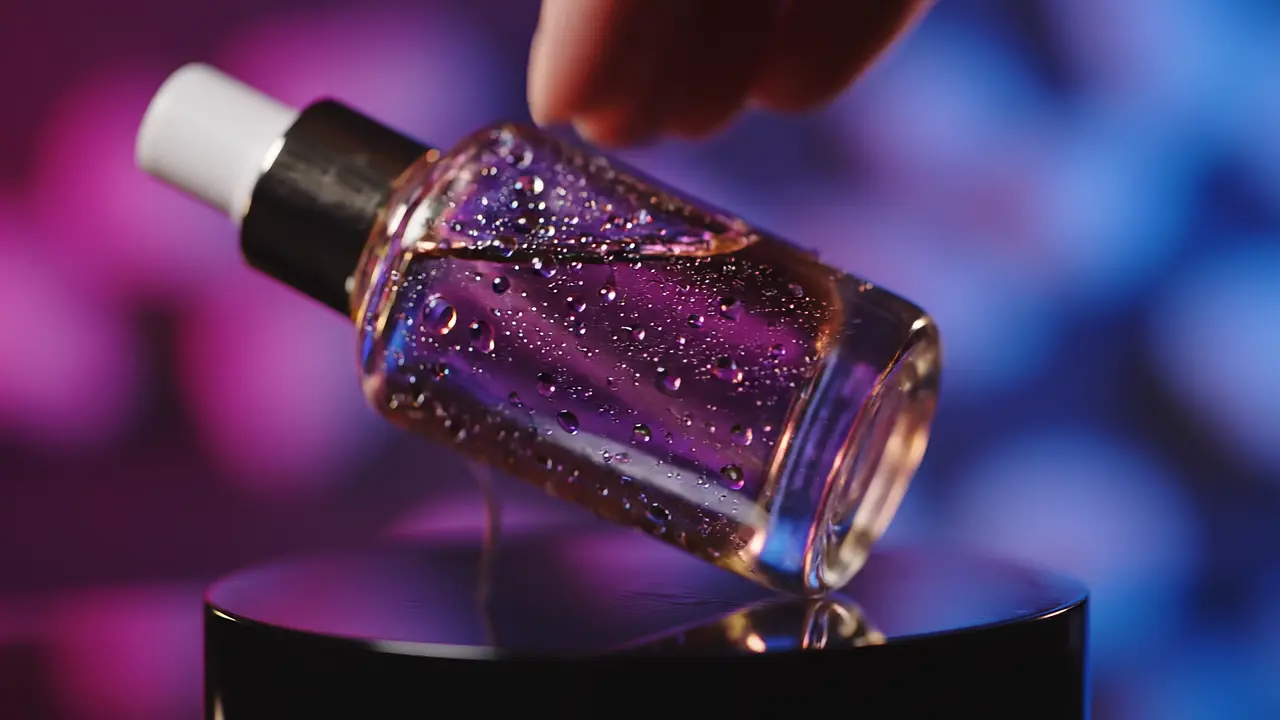
- Texture: a macro shot of fabric, liquid, surface or finish.
- Setting: the product where it lives, such as a desk, a bathroom shelf or a kitchen counter.
Make the clip from one product photo
In the studio, choose Product Video, upload the photo and set the aspect ratio to 9:16. Describe one action and the light in plain words; the photo already tells the model what the product looks like. The exact credit price shows on the Generate button before you start, and a failed render is refunded automatically.
Keep printed text out of the prompt. Models often soften or change small labels during motion, so add the product name and price afterwards.
The product drops onto a soft linen surface and settles, camera slowly pushes in, warm morning light, vertical social videoA hand reaches in and picks up the product, turns it toward the camera, bright natural light, clean modern room, vertical videoExtreme close-up gliding across the product's surface, shallow depth of field, light sweeps across the material, vertical commercial shotMake a creator-style clip
Clips that look like a real person recommending something often feel native in the feed. UGC Ad frames a saved character talking to camera about your product; write the words they say in plain, honest language and never invent results, reviews or claims.
Disclose AI-generated people where the platform or local rules require it, and only use likenesses you have the rights to.
Finish and post
Add the product name, price and offer as on-screen text in TikTok, Instagram or your editor, where it stays crisp. Trim the start so the first frame already shows motion. Add music or a voice-over from the app's own library so the audio is licensed for the platform.
Put a link with tracking tags in your bio or ad, for example ?utm_source=tiktok&utm_medium=social, so you can see which clips actually bring visitors to your store.
A simple weekly plan
- Pick three products for the week.
- For each, make three clips: a reveal, an in-use clip and a texture or setting clip.
- Post one clip a day on TikTok and Instagram Reels, and reuse the same clip on YouTube Shorts.
- At the end of the week, keep the formats that brought the most visitors and drop the rest.
Check before you post
- The product in the clip matches what the customer receives: color, size, parts and packaging.
- No claim on screen that is not true for the real product.
- The post follows each platform's rules for AI-generated content, branded content and product claims.
- You own or have rights to the product photo, logo and any person shown.
Common questions
What size should a TikTok or Instagram product video be?
Use 9:16 vertical. Five to ten seconds is enough for one product idea and lets the clip loop.
Can AI make a product video from one photo?
Yes. Image-to-video models animate a product photo into a short clip using the photo as the first frame. Check each clip, because small details and printed text can change.
Should I write the price in the prompt?
No. AI-rendered text is unreliable. Add the price, offer and product name as text in the app or your editor.
How much does it cost?
It depends on the model, length and resolution. Every generation shows its exact credit price before you start; see Pricing or the cost calculator for plans and estimates.