How to make e-commerce product videos with AI
A practical workflow for online stores: which product videos to make, how to make them from one photo with AI, formats per channel and what to check first.
Which videos an online store actually needs
Most stores do not need a long brand film. They need a few short clips that answer the shopper's questions quickly: what the product looks like from every side, how big it is, and what it is like to use. Each clip has one job, so plan them separately.
- Product page hero: a slow spin or push-in on the product, 5 to 10 seconds, landscape or square, no sound needed.
- Social ad: a 5 to 10 second portrait clip with a strong first second, made for TikTok, Instagram Reels and YouTube Shorts.
- Creator-style (UGC) clip: a person holding or using the product and talking to camera, for ads that should feel native to the feed.
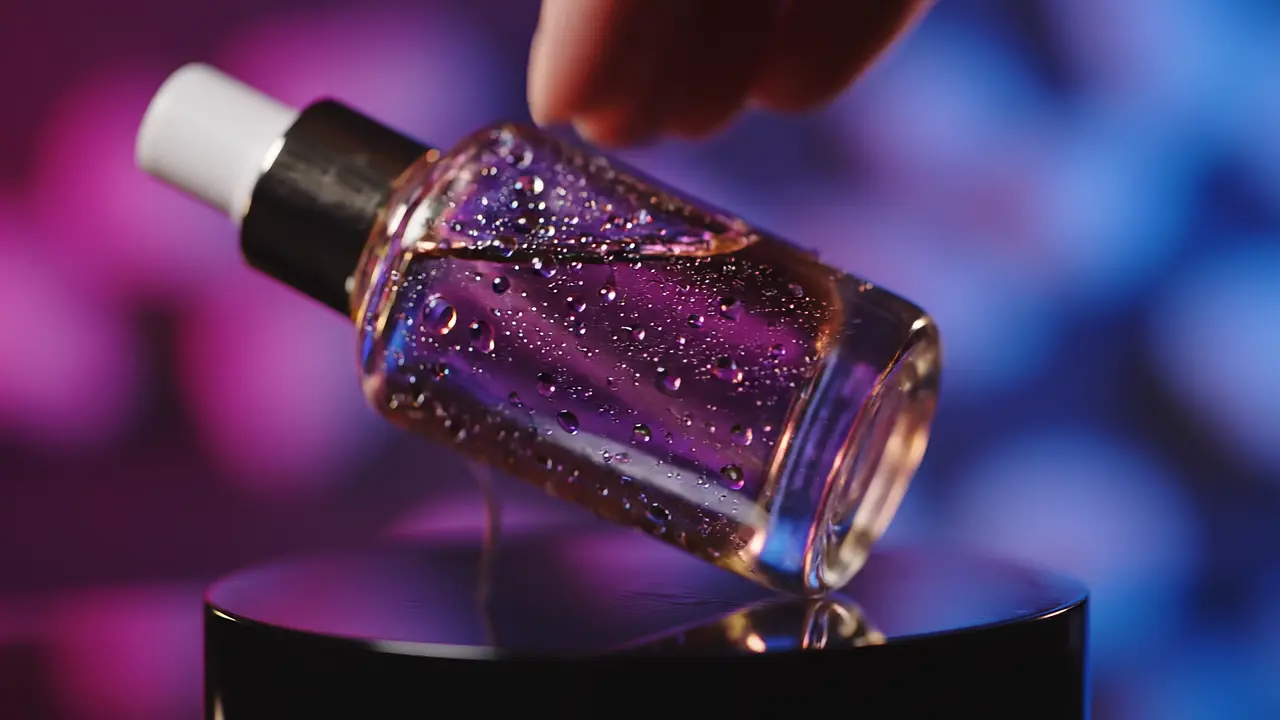
- Detail clip: a macro shot of texture, stitching, pour or finish, for products where quality is the selling point.
Start from one good product photo
Image-to-video models use your photo as the first frame, so the clip can only be as good as the photo. A sharp, evenly lit shot on a plain background gives the model the clearest idea of the product's shape, color and material.
Avoid photos with heavy shadows, busy backgrounds, or several products in one frame. If the product has small printed text, expect the model to soften or change it during motion and plan to add the text back in your editor.
Make the hero shot
In the studio, choose Product Video and upload the photo. Describe one camera move and the light, not a story. The tool recommends Google Veo 3.1 Fast, Kling 3.0 Pro · Image to Video, LTX 2.5 Pro and Google Veo 3.1; the exact credit price shows on the Generate button before you start, and a failed render is refunded automatically.
The product rotates slowly on a matte white turntable, soft even studio light, gentle shadow underneath, camera locked off, clean premium lookSlow camera push-in toward the product, a soft light sweep moves across the surface, dark gradient background, high-end commercial styleExtreme close-up macro shot gliding across the product's texture, shallow depth of field, warm natural lightMake a creator-style (UGC) clip
UGC Ad frames a saved creator talking directly to camera about your product. Write what the creator should say in plain, honest language and do not invent claims, results or reviews. If you want the creator to speak a script you recorded, Talking Character matches the mouth to your exact audio.
Disclose AI-generated people where the ad platform or local rules require it, and only use likenesses you have the rights to.
Formats by channel
- TikTok, Instagram Reels, YouTube Shorts: 9:16 portrait, 5 to 10 seconds, motion in the first second.
- Product pages (Shopify, WooCommerce, Etsy and similar): 16:9 or square, a calm loop without sound, under 10 seconds so it loads quickly.
- Marketplace listings (Amazon and others): follow each marketplace's own video rules and size limits before uploading.
- YouTube and websites: 16:9 landscape; longer pieces are best assembled from several short clips in an editor.
Finish in your editor
Generated clips are raw footage. Add the product name, price, offer, logo and call to action in your editor or ad tool, where text stays crisp. Trim the start so the first frame is already interesting, and add music or a voice-over if the platform plays sound.
Check before you publish
- The product in the clip matches what the customer receives: color, size, parts and packaging.
- No label, ingredient or claim on screen that is not true for the real product.
- The ad follows each platform's rules for AI-generated content and product claims.
- You own or have rights to the product photo, logo and any person shown.
What it costs
Cost depends on the model, length and resolution, and every generation shows its exact credit price before you start. Use the cost calculator to estimate a batch, or see Pricing for plans.
Common questions
Can AI make a product video from a single photo?
Yes. Image-to-video models animate a product photo into a short clip, using the photo as the first frame. Results are usually close to the photo, but small details and printed text can change, so check each clip.
Which aspect ratio should I use for e-commerce videos?
Use 9:16 portrait for TikTok, Reels and Shorts, and 16:9 landscape or square for product pages, YouTube and websites.
Will the AI keep my logo and label correct?
Not reliably. Keep text out of the prompt and add logos, prices and labels in your editor, where they stay sharp.
Can I use AI product videos in paid ads?
Check the Terms of Service, the model provider's terms and each ad platform's rules for AI content and claims. You are responsible for reviewing the output before you run it.